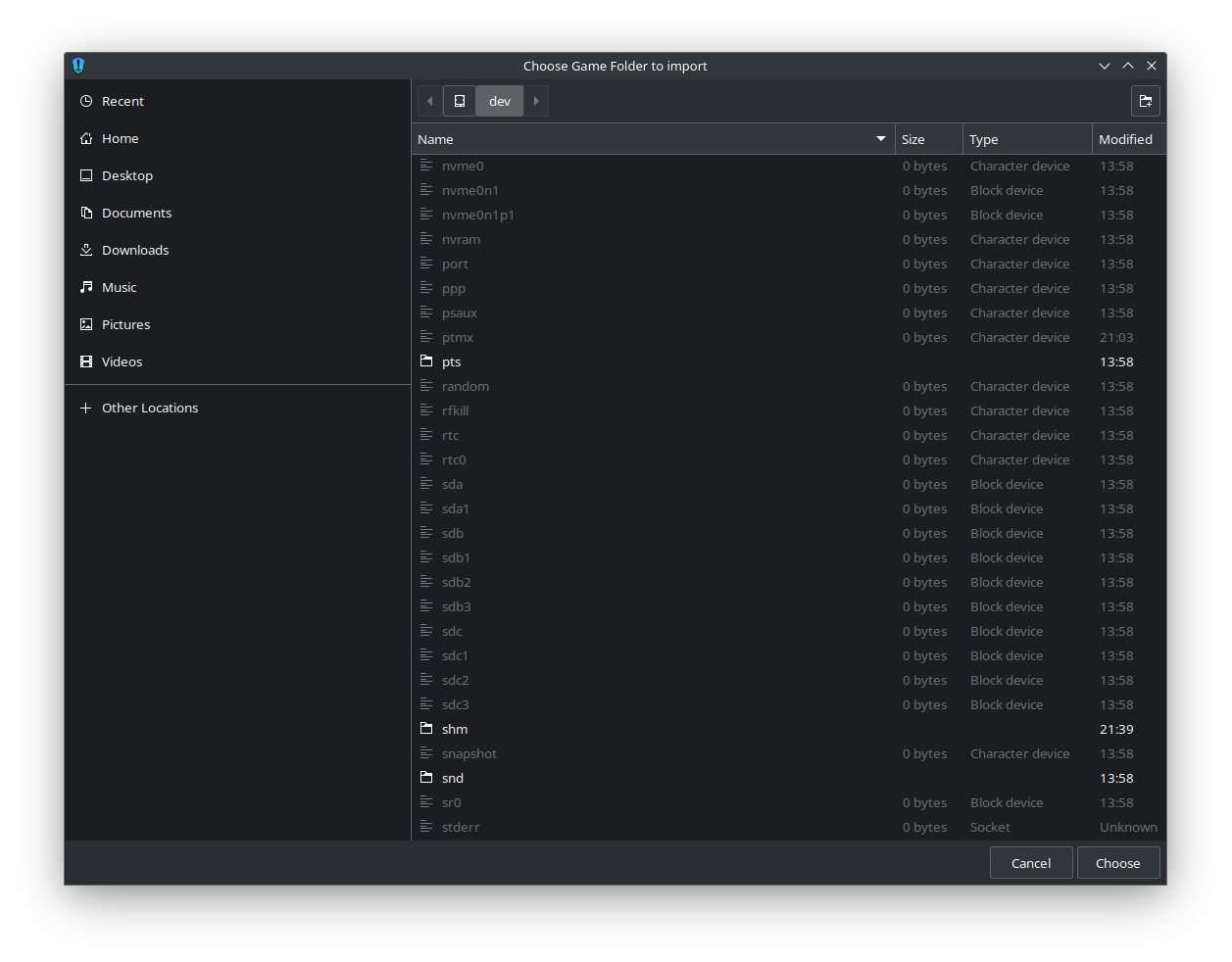
I have 2 relevant drives. The system drive, and a drive with my game files. The drive with the game files is mounted. However, it is not displayed under "Other devices" and I am unable to select it from /dev/
Installed it using yay from AUR (aur/heroic-games-launcher-bin 2.14.1-1).
Any ideas as to what may be causing this, or how to go about troubleshooting?
11 Comments
WIPocket@lemmy.world · 8 pts · 2y
Where is it mounted? Try navigating to that mountpoint, not to the device itself.
meekah@lemmy.world · 4 pts · 2y
Yeah, I guess this is a typical linux noob pitfall. That worked, thanks!
reddthat@reddthat.com · 1 pts · 2y
Might want to update your post with [Solved] as well just to help others
meekah@lemmy.world · 1 pts · 2y
Doesn't the title say "(solved)"?
Edit: I realize this comment reads a bit passive aggressive, but I'm genuinely curious. Or are the square brackets important?
reddthat@reddthat.com · 1 pts · 2y
It does now! Must have taken a bit before my instance got the update... Or ... I didn't see it because of my client
meekah@lemmy.world · 1 pts · 2y
I see, fair enough ^^
Xirup@yiffit.net · 6 pts · 2y
For those who have this problem and have installed Heroic as a flatpak, remember to add the path of the storage you are trying to access to the directories allowed by Heroic using tools like Flatseal.
Cynthia@literature.cafe · 3 pts · 2y
Can you post the solution please?
Just in case other people have the same situation.
meekah@lemmy.world · 2 pts · 2y
Well, I figured the comment that helped me would help others as well. The solution was to look in /mnt not /dev.
Lemmyvisitor@lemmy.dbzer0.com · 1 pts · 2y
yeah, nothing worse than finding someone with the exact same issue and the last post is just "thanks guys I solved it" and nothing else
WIPocket@lemmy.world · 1 pts · 2y
Cynthia@literature.cafe · 1 pts · 2y
Thanks. :)