Hi,
I'm getting an error message: "Certificate authority is not trusted." while using webview browsers.
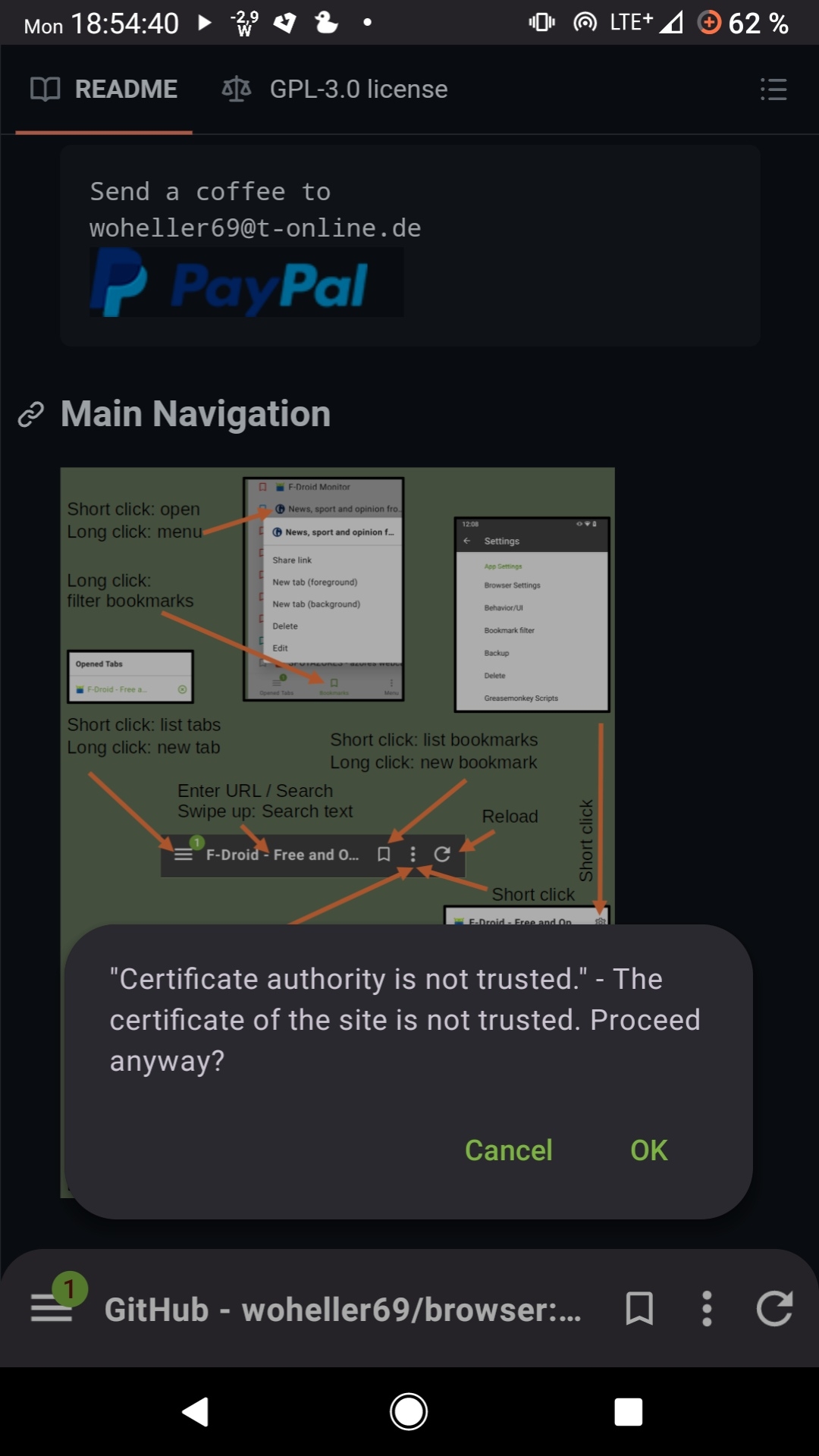
On "standalone" browsers like Mull or Cromite I don't have this error.
Specs:
Android 10
Free Browser v2.8
Mulch Webview v126.0.6478.110
AdAway (root) v6.1.1 with installed certificate
Root with Magisk v27.0
Modules: Systemless Hosts
                  Magisk Trust User Certs
                  Open Webview
Private DNS: unfiltered.adguard-dns.com
Anybody knows how to fix this?
2 Comments
catloaf@lemm.ee · 2 pts · 2y
What's the page, and what cert do you receive?
Braintrain@lemmy.ml · 2 pts · 2y
Seems like I've found the culprit: https://github.com/Magisk-Modules-Alt-Repo/trichromelibrary-squoosh
When I deactivate this module and try again, the error message disappears and shows up again when enabled.
skullgiver@popplesburger.hilciferous.nl · 2 pts · 2y
Braintrain@lemmy.ml · 2 pts · 2y