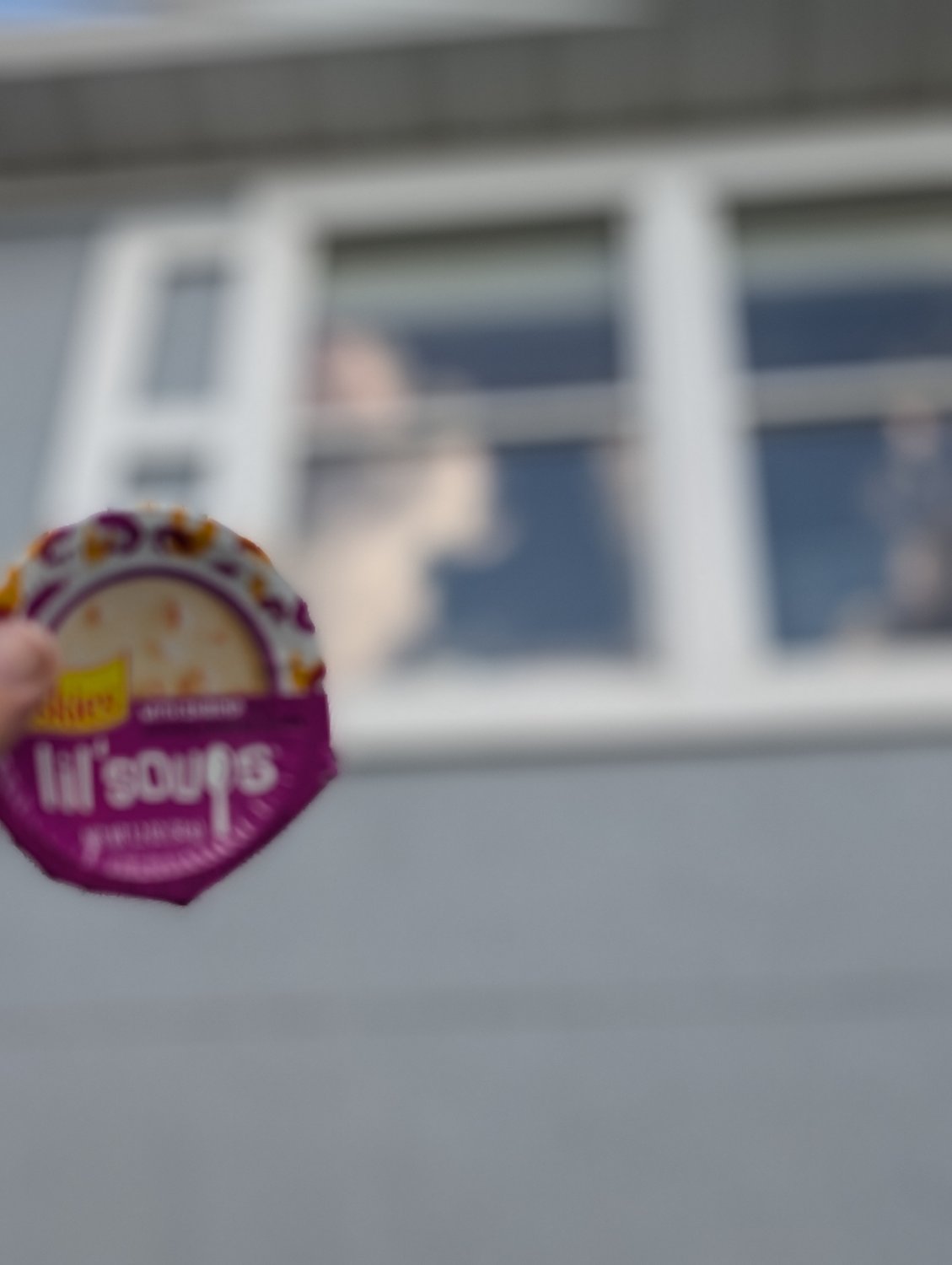
I wanted to get this photo of my cat (sleeping in the window) and a treat i got for her in the same photo, when I took the photo the cat was in frame but when it processed neither were in frame completely ruining my photoshoot :(
Is there a way to,
A: get both in focus (preferred)
or,
B: keep only 1 in focus
Also, is there any way to prevent a photo from processing? When I take a photo of a screen ex. a funny thing on a school laptop, it looks good in the camera app but when it processes it has warping lines and looks really bad. Compression might ruin it but here's an example:

3 Comments
catloaf@lemm.ee · 5 pts · 1y
https://photographylife.com/what-is-depth-of-field
https://en.wikipedia.org/wiki/Moir%C3%A9_pattern
tl;dr: adjust the settings on the camera, using a different camera app if necessary. If you can't properly adjust the camera, use a different camera, or adjust the scene.
The lines are an interference pattern between the grid on the screen and the grid in the camera sensor. Adjust the focus or apply a blur to hide them.
Shadow@lemmy.ca · 1 pts · 1y
Use a camera app that will let you control the aperture and aim for around f7 (if possible on your phone).
TriflingToad@lemmy.world · 0 pts · 1y
2nd photo didn't send. Here it is:
EDIT: yeah compression kinda removed some of it, but the horizontal and vertical lines because of the pixels is what I'm talking about.