I've modified the normal Jellyfin theme so that the accent color can be changed.
The idea was to put some orange in the UI during halloween, and I got carried away. It is now completely configurable with a single variable and allows for easy seasonal changes, so I've decided to share it.
Here is the result:


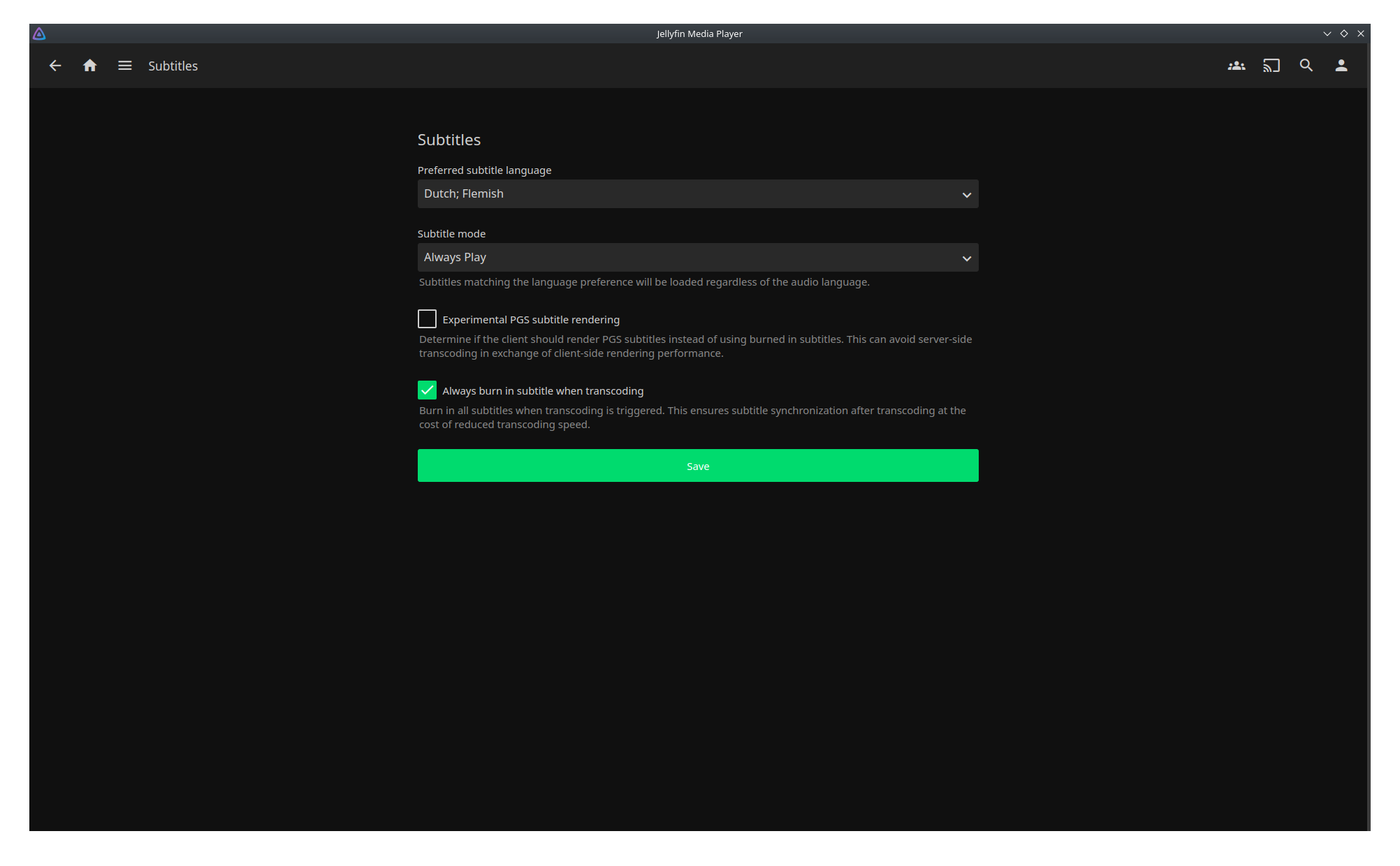
I generally dislike custom themes, so my goal was to change as little as possible. Indeed, if used with a hue of 195, the theme should be exactly the same as the default one.
What do you think?
5 Comments
SatyrSack@feddit.org · 3 pts · 1y
If I want to take that
theme.cssfile and just save it to my server itself instead of having Jellyfin fetch it each time the CSS loads, what would I put in the@importrule? I placed the file in my Jellyfin Docker container'sconfigfolder and used@import "/config/theme.css”;, but that does not seem to change the CSS at all.shmanio@lemmy.world · 1 pts · 1y
You should put it in Jellyfin web's root folder (paths are relative to it). In the official container it's
/jellyfin/jellyfin-web.Then you just
@import "theme.css";.SatyrSack@feddit.org · 1 pts · 1y
Where on my host filesystem is
/jellyfin/jellyfin-web? I am using the official container image. Is that somewhere within/configor something?shmanio@lemmy.world · 3 pts · 1y
It's a path inside the container, but not inside
/config. You should mount the file like this:SatyrSack@feddit.org · 3 pts · 1y
Great, that worked! Thanks.