Recently I started using my own self hosted search engine - LibreX...
When I went to add it as the default search engine for Firefox on the desktop - I found that the option to add custom search engines gone (replaced with a 'smarter' way??)
Here is the work around I found..
Go to the about:config page
Paste browser.urlbar.update2.engineAliasRefresh into the search area and set the value to True
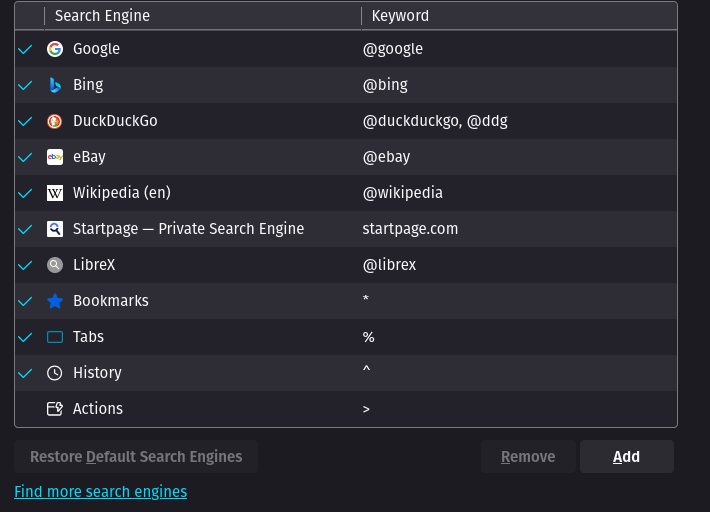
Now when you go to the Settings page, you should see an Add button to add a custom search engine (like you used too...)
6 Comments
hexagonwin@lemmy.sdf.org · 5 pts · 1y
I wonder why this isn't the default..
Dirk@lemmy.ml · 1 pts · 1y
They want you to use their partnered sites instead of adding your own.
harsh3466@lemmy.ml · 4 pts · 1y
Good to know!
camilobotero@feddit.dk · 2 pts · 1y
Thanks for the services, great sir!
Now, tell me more about this LibreX, I am really intrigued, since some SearXNG instances keep failing.
imattau@lemmy.ml · 2 pts · 1y
https://github.com/hnhx/librex/wiki -
Can easily be self-hosted using something like #yunohost, or you can try one of the publically accessible servers 👍
cherry@lemmy.dbzer0.com · 1 pts · 1y
Lad