c/programmer_humor · by Phoenix3875@lemmy.world · 3yOne command to rule them all 224 points · 23 comments · view on lemmy.world
23 Comments
Ocelot@lemmies.world · 65 pts · 3y
fuck it. rm -rf repository; git clone repository
Been using git since almost as long as its been around, still can't be bothered to learn to how to fix conflicts.
marcos@lemmy.world · 17 pts · 3y
Rename it, so you can run diff on those surprising things that in no way could have changed, but are not equal to the repository. And then delete.
Or keep the X-old; X-backup; X-bkp; X-old-old; X-old3 dirs.
mvirts@lemmy.world · 47 pts · 3y
mv .git .git_old7
git init
git add .
git commit -m "almost working"
minorsecond@lemm.ee · 5 pts · 3y
Lmao this is perfect
joyjoy@lemmy.world · 14 pts · 3y
Neither remove untracked files sadly.
sickday@kbin.social · 7 pts · 3y
git stash my friend
BlueBockser@programming.dev · 14 pts · 3y
I think
git cleanis more appropriate. Withgit stashyou create a stash which you then have to drop.HairHeel@programming.dev · 33 pts · 3y
Who says you have to drop it? I've got stuff from 2007 in there somewhere.
BlueBockser@programming.dev · 1 pts · 3y
Of course you don't have to, but if you don't plan on ever using it then it's just trash living in your git folder. If you do plan on using it again in the future, then it's usually better to make it a branch so you can push it to a remote.
sickday@kbin.social · 9 pts · 3y
Yea but you can always
git popif you need any of your stashed changesOcelot@lemmies.world · 7 pts · 3y
i chuckled at the thought of 'git poop' being a command. I'm going to alias that to something.
PoastRotato@lemmy.world · 8 pts · 3y
You could make it run
git popuntil it clears the whole stashslampisko@czech-lemmy.eu · 1 pts · 3y
That's why I follow it with
git clean -fdSonotsugipaa@lemmy.dbzer0.com · 11 pts · 3y
git restore .?Or am I misinterpreting the problem?
static_motion@programming.dev · 16 pts · 3y
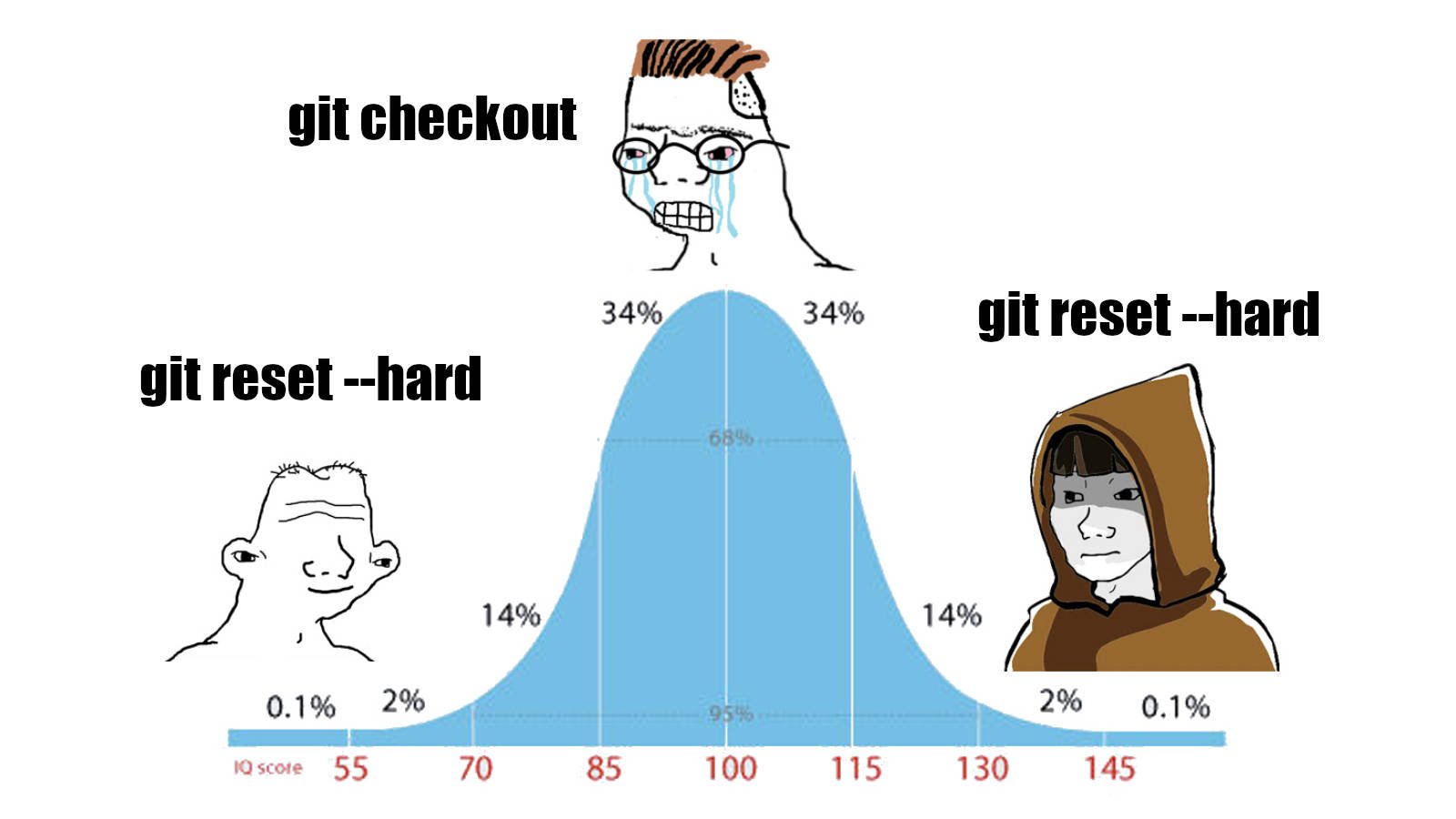
git restoreis a pretty new command AFAIK. Those of us who learned git before its existence have probably stuck to the old ways ofgit reset --hard.TheSealStartedIt@feddit.de · 3 pts · 3y
Yep, I just learned of this command..
girltwink@lemmy.world · 8 pts · 3y
alias mybad='git add -u && git commit --amend --no-edit && git push --force-with-lease'
zexu@lemmy.world · 2 pts · 3y
😂😂😂
Synthead@lemmy.world · 5 pts · 3y
And lose my untracked changes?
https://m.youtube.com/watch?v=guv5LUT1AFw&t=7s
niyrme@lemmy.world · 2 pts · 3y
git stashmundane@feddit.nu · 2 pts · 3y
That is stupid. Those commands are for different use cases.
vegai@suppo.fi · 1 pts · 3y