Will the import feature be enabled at some point? I want to migrate my photos over, would be good to use the import function for that 🙏
Will the import feature be enabled at some point? I want to migrate my photos over, would be good to use the import function for that 🙏
11 Comments
otter@lemmy.ca · 2 pts · 1y
I believe it (instagram import) is enabled already, what are you seeing when you try to use it?
quaff@lemmy.ca · 2 pts · 1y
I see this when I go to https://pixelfed.ca/settings/import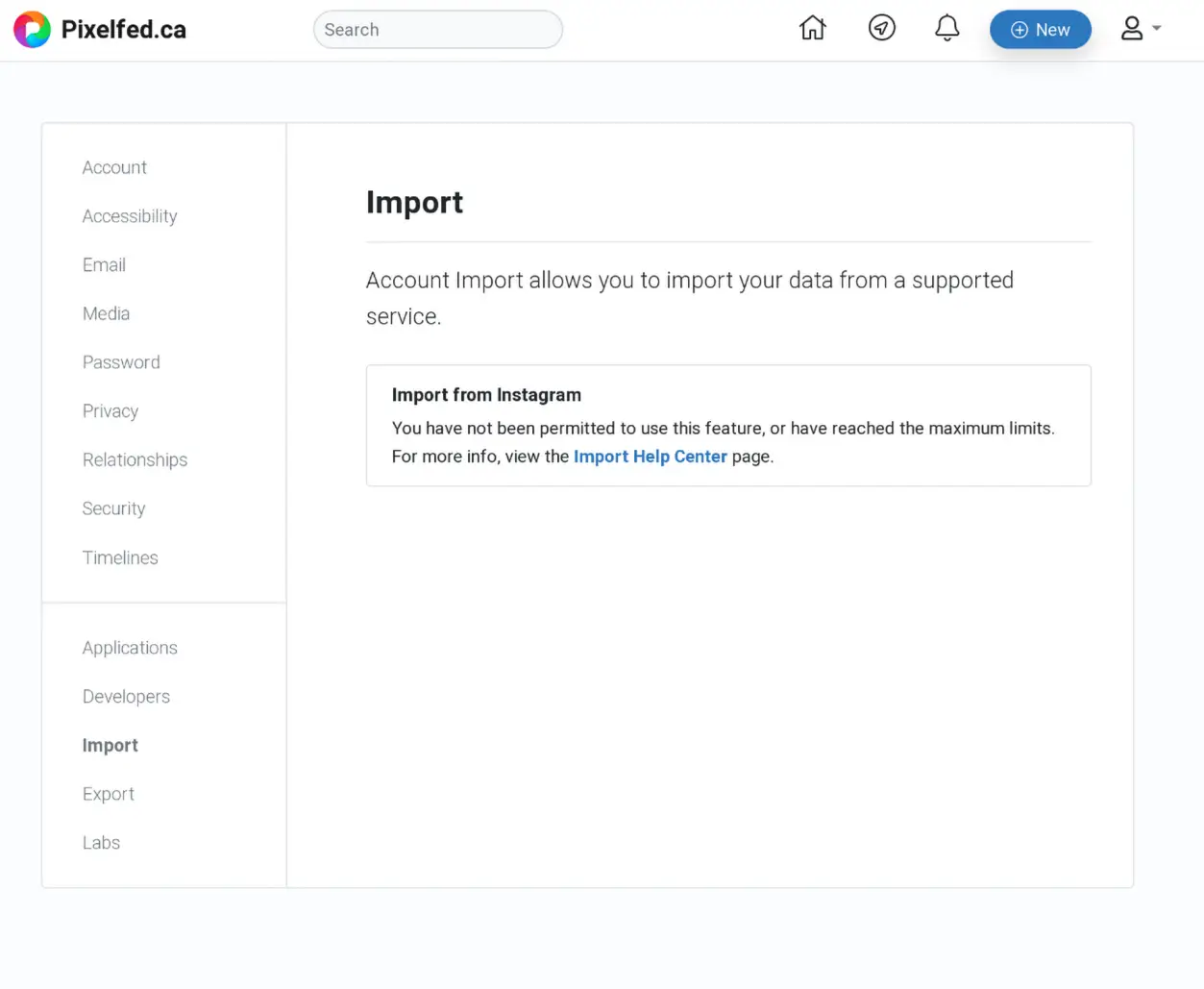
The help centre page says it's only enabled for admins: https://pixelfed.ca/site/kb/import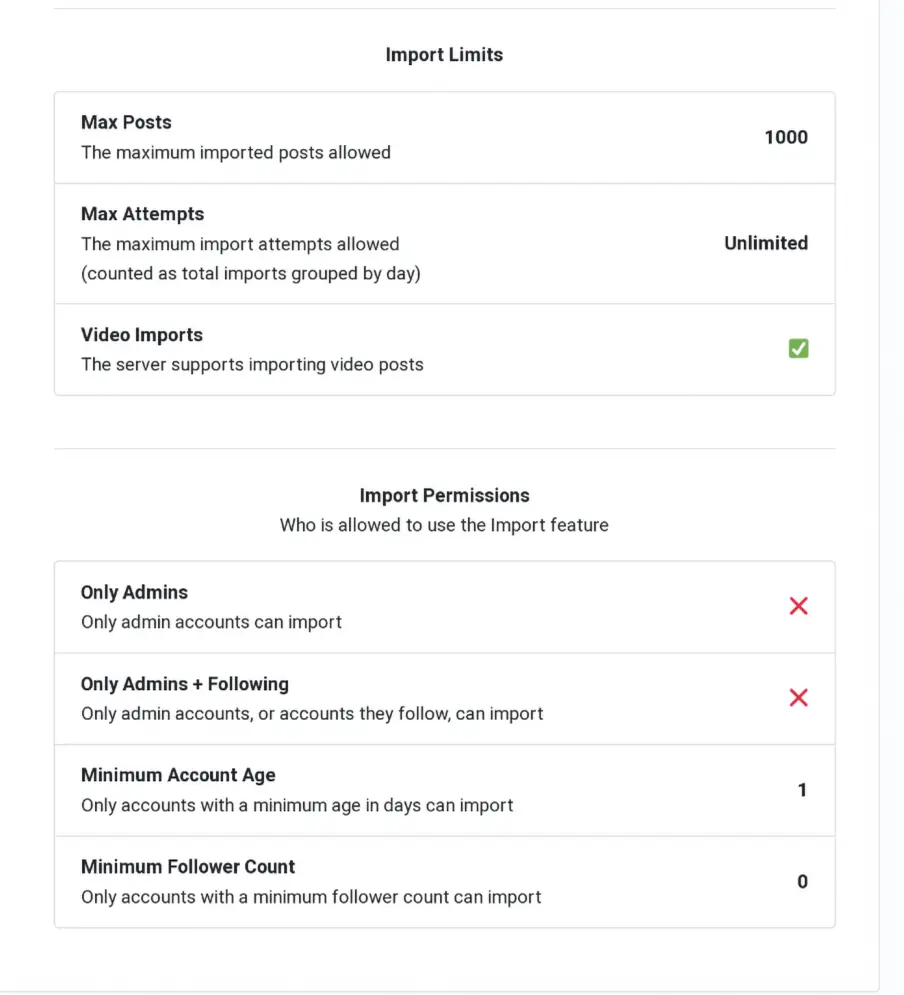
otter@lemmy.ca · 3 pts · 1y
Can you check it again (or rather, once your account has been active for 24 hours).
This is what we have in the settings, so I think that help page is saying "Only Admins?: false"
I'm also curious what the process is like, since it is marked as experimental. I'll see if I can run a test later, since I haven't seen anyone try it and share their experience with it yet
quaff@lemmy.ca · 3 pts · 1y
Ah interesting! That must have been it! I see the import function now 🙏 thank you!!
otter@lemmy.ca · 3 pts · 1y
No problem, do share how it goes :)
Blakdragon@lemmy.ca · 2 pts · 1y
I've tried the import function as well, but it doesn't seem to have moved since I uploaded my .zip file! It's been stuck here for a few hours.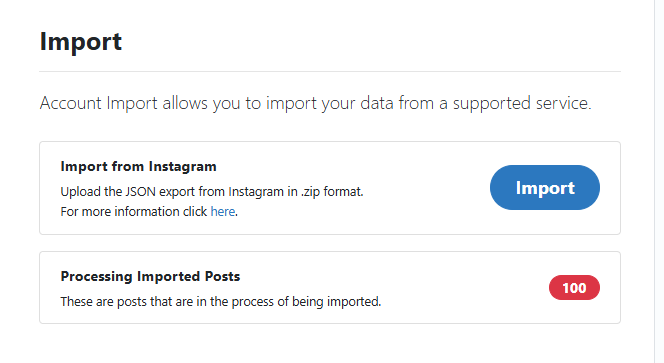
quaff@lemmy.ca · 2 pts · 1y
Yeah mines been like that for a day also. I had the same experience with importing on pixelfed.social. It took a few days. Maybe there’s a big queue.
otter@lemmy.ca · 2 pts · 1y
Hey sorry for the delay, did you manage to get this working or was it still stuck?
quaff@lemmy.ca · 2 pts · 1y
It's also still stuck for me
Blakdragon@lemmy.ca · 2 pts · 1y
It's still stuck! I
quaff@lemmy.ca · 1 pts · 1y