As title. There's an option in the settings menu to disable animations. However GIF image posts animate in thumbnail view regardless.
GIFs animate in thumbnail regardless of animation option
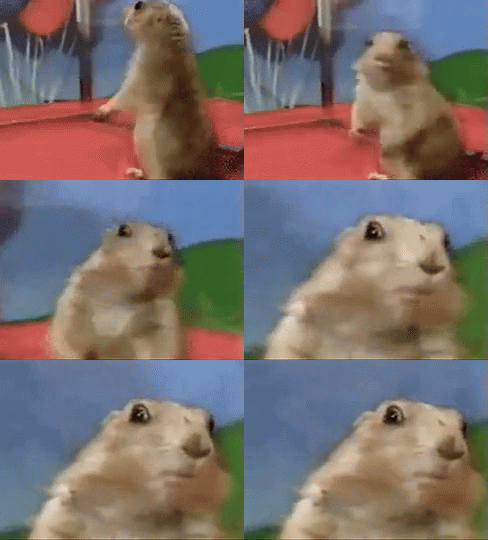
As title. There's an option in the settings menu to disable animations. However GIF image posts animate in thumbnail view regardless.
7 Comments
Aarrodri@lemmy.world · 2 pts · 3y
I love it.. what's the down side? Maybe. NSFW stuff?
octoperson@sh.itjust.works · 6 pts · 3y
Raffster@kbin.social · 2 pts · 3y
octoperson@sh.itjust.works · 1 pts · 3y
This is my own post, and I have to scroll that stupid chipmunk off the screen before I can even read it 🙄
varaki@lemm.ee · 2 pts · 3y
I've always wondered what that option does. Couldn't figure it out yet 😃
mykl@lemmy.world · 2 pts · 3y
From reviewing the code it removes the transition animation when you click on an image to view it full screen (saving you 0.2 of a second). I think it was added when that animation wasn’t working correctly. Maybe it’s time to repurpose it now we’re actually seeing gifs being used a little more…
octoperson@sh.itjust.works · 1 pts · 3y
Ohhhh. Maybe it's to disable some animated UI feature or something? In that case I have a feature request to add an option to disable animations in thumbnails.
varaki@lemm.ee · 2 pts · 3y
I tried turning it off, but the UI was behaving exactly the same as when it was turned on. (even after app restart) So, I don't know what that option is suppose to control :)