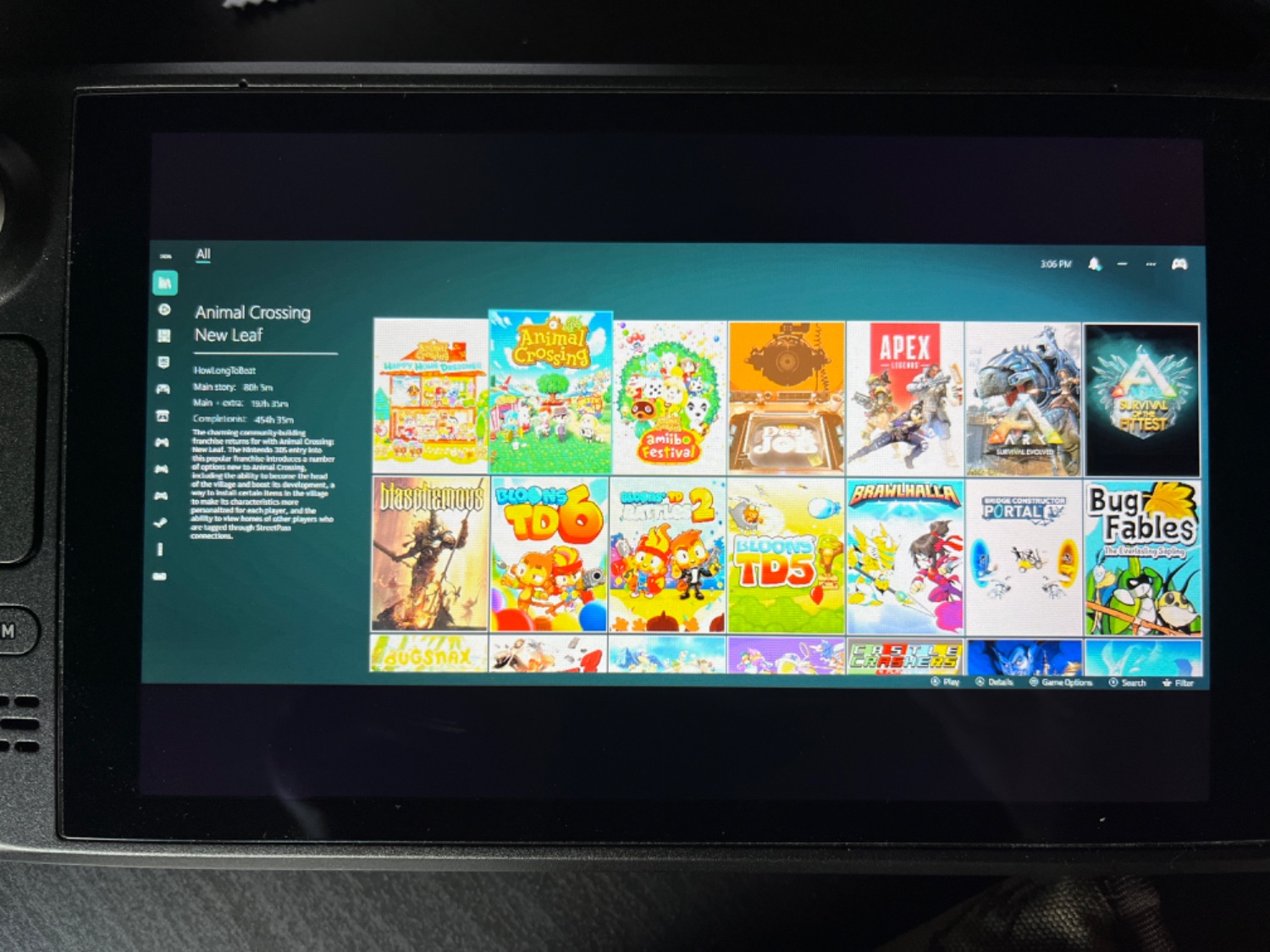
Hey, I recently upgraded my monitor to the AW3423DW, and now Moonlight streaming streams in 21:9 and the HDR makes the colors blown out. Does anyone know a way to change the resolution and hdr settings when streaming? I messed around in QRes for a bit, but couldn’t get it to work. Thanks for any help!
Steam Deck Streaming Issue
5 Comments
liara@lemm.ee · 3 pts · 3y
If you were under Linux, you could have the start command change desktop resolution with xrandr. But since you are on Windows it looks like qres is a command line app to help you achieve the same thing: https://m.majorgeeks.com/files/details/qres.html
There's also HDR switch: https://github.com/bradgearon/hdr-switch
Using the nvstreamer1080 option may be a bit easier, but nice to have options!
Edit: I should read better. Did you try
Just run from you command line first until you get the hang of it
AlternateRoute@lemmy.ca · 2 pts · 3y
Not specific to steamdeck but I have a 21:9 ultra wide and find I need to change the desktop res to a 16:9 in advance of connecting via steam link for things to work
hogart@feddit.nu · 1 pts · 3y
Same
Sentinian@lemmy.one · 1 pts · 3y
I use nvstreamer1080 to change the res when I use sunshine. I also have a dummy HDMI that goes up to 4k60 hooked to it
ijeff@lemdro.id · 2 pts · 3y
Interesting. I'll have to give this one a try as nothing I've tried seems to support custom resolutions.