Oooh, neat. I didn't know about that. Thanks. That better not have been around since the 1990s or something, with me always searching the bash(1) man page to find builtin information.
$ help help|head -n2
help: help [-dms] [pattern ...]
    Display information about builtin commands.
$ git clone https://git.savannah.gnu.org/git/bash.git
$ cd bash
$ git log -S "Display information about builtin commands."|grep ^commit|tail -n1
commit 3185942a5234e26ab13fa02f9c51d340cec514f8
$ git show 3185942a5234e26ab13fa02f9c51d340cec514f8|grep ^Date
Date:   Mon Jan 12 13:36:28 2009 +0000
$
I'm not complaining, much, but when my distro switched from bash to zsh and I didn't know until I reinstalled it for shins and gargles... that was a bad day for my remembered commands.
FWIW, most if not all bash builtins turn up when searching in man bash for [four spaces]command-name[space], but as someone else points out, the help command also er, helps.
Maybe it's the (default) configuration on my distro, but info bash is the same information as man bash but with no bold text for headings and things. Ironically, I think I'd have to sit down with man info or info info for an hour or two before I could figure out how to get that formatting to show up in info.
Info pages are supposed to be way way more comprehensive than man pages. At least for the Gnu stuff since nobody else ever bothered with info (which can be painful to use for newcomers with the cli browser, although the kde help browser integrates info files flawlessly, of course).
EDIT: If you run the above, it looks like speech-dispatcher splits the thing up into a bunch of different consecutive blocking requests, which means that it's a pain in the neck to stop with a single command. You might want to leave $ while true; do spd-say -S; done running for a bit to make it actually stop talking.
Context: I'm studying computer science.
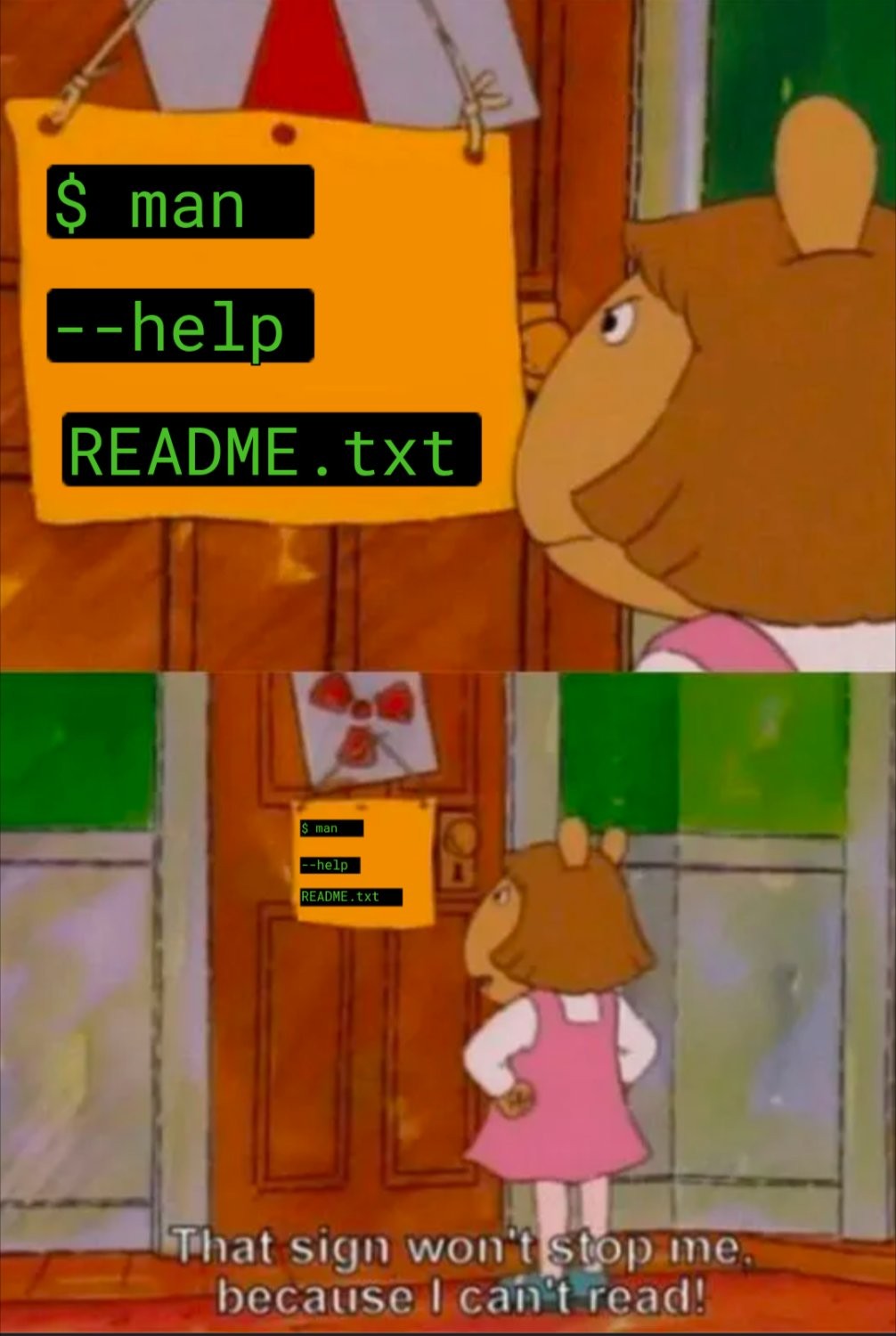
When I notice my colleagues struggling with something on Linux, sometimes even getting desperate and asking AI, more often than not I manage to help or fix their problem by just reading the manual of the program they have trouble with.
20 Comments
Anafabula@discuss.tchncs.de · 40 pts · 327d
klangcola@reddthat.com · 15 pts · 326d
For those who didn't know:
tldris an actual command:https://tldr.sh/
yamyam@piefed.blahaj.zone · 19 pts · 327d
most of the time when i read man pages i come out even more clueless than before
UltraBlack@lemmy.world · 9 pts · 326d
Check
tldrjoyjoy@lemmy.zip · 12 pts · 327d
It's a bash builtin, so none of these work anyway.
Jankatarch@lemmy.world · 8 pts · 327d
That's what help command is for.
tal@lemmy.today · 13 pts · 327d
Oooh, neat. I didn't know about that. Thanks. That better not have been around since the 1990s or something, with me always searching the bash(1) man page to find builtin information.
Well, it's not the 1990s, but still. Dammit.
Jankatarch@lemmy.world · 8 pts · 327d
LMAO actual madlad going in to check personally.
Also damn that was 16 years ago.
joyjoy@lemmy.zip · 6 pts · 327d
It gets complicated when using zsh.
burntbacon@discuss.tchncs.de · 7 pts · 327d
I'm not complaining, much, but when my distro switched from bash to zsh and I didn't know until I reinstalled it for shins and gargles... that was a bad day for my remembered commands.
tal@lemmy.today · 3 pts · 327d
If you're not familiar, there's a
chshcommand.joyjoy@lemmy.zip · 1 pts · 327d
That probably wasn't part of the upgrade process.
Jankatarch@lemmy.world · 2 pts · 327d
Ah that's fair lmao
palordrolap@fedia.io · 6 pts · 327d
FWIW, most if not all bash builtins turn up when searching in
man bashfor [four spaces]command-name[space], but as someone else points out, thehelpcommand also er, helps.AnUnusualRelic@lemmy.world · 5 pts · 326d
Or you could read the info pages.
palordrolap@fedia.io · 3 pts · 326d
Maybe it's the (default) configuration on my distro, but
info bashis the same information asman bashbut with no bold text for headings and things. Ironically, I think I'd have to sit down withman infoorinfo infofor an hour or two before I could figure out how to get that formatting to show up ininfo.AnUnusualRelic@lemmy.world · 1 pts · 326d
Info pages are supposed to be way way more comprehensive than man pages. At least for the Gnu stuff since nobody else ever bothered with info (which can be painful to use for newcomers with the cli browser, although the kde help browser integrates info files flawlessly, of course).
alecsargent@lemmy.zip · 9 pts · 326d
And then this happens:
tal@lemmy.today · 9 pts · 327d
EDIT: If you run the above, it looks like speech-dispatcher splits the thing up into a bunch of different consecutive blocking requests, which means that it's a pain in the neck to stop with a single command. You might want to leave
$ while true; do spd-say -S; donerunning for a bit to make it actually stop talking.nubproru@lemmy.blahaj.zone · 2 pts · 288d
Context: I'm studying computer science. When I notice my colleagues struggling with something on Linux, sometimes even getting desperate and asking AI, more often than not I manage to help or fix their problem by just reading the manual of the program they have trouble with.