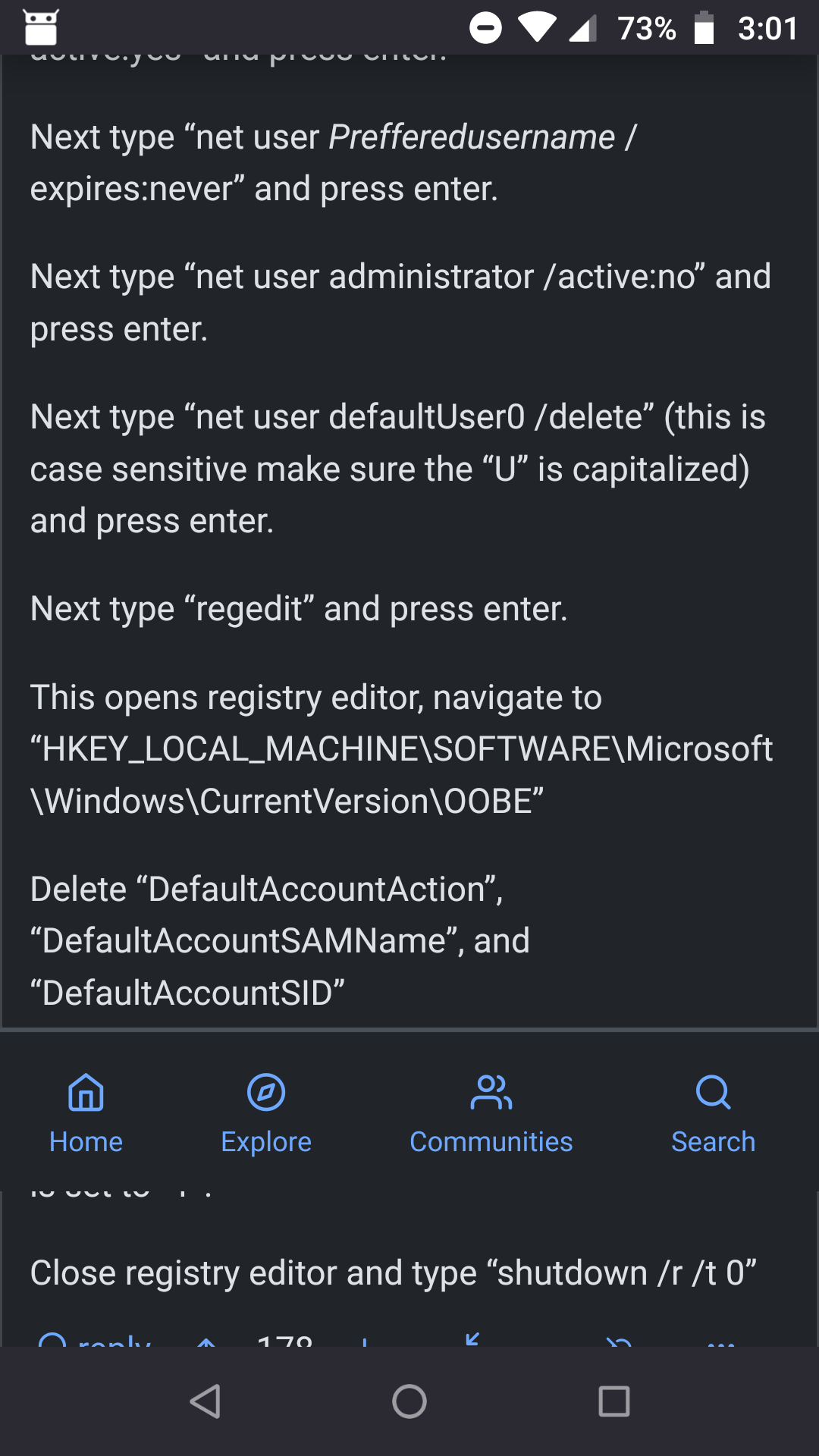
I've been experiencing an issue when I am browsing the site on my phone (android) when viewing comments on a post the navigation bar at the bottom will detach and float up a bit. When I am browsing posts this doesn't happen. Its a bit cumbersome as thats where I scroll up and down. Can the navigation bar stay at the bottom of the screen? This is a recent issue and hasn't always been like this for me. Screenshot below:
5 Comments
rimu@piefed.social · 4 pts · 307d
Go to https://piefed.social/user/settings and paste this CSS into the 'Additional CSS' field:
.mobilenav { display: none; }This will remove the bottom bar so you'll need to use the hamburger menu in the top right for navigation.
M33@piefed.world · 1 pts · 108d
Thanks it fixes the floating icon bar and the annoying double rows action bar at the same time by making it disappear 😊
Bonus@piefed.social · 1 pts · 307d
Same, I was thinking it was a Firefox issue because I've been seeing similar behavior elsewhere (mastodon and Pixelfed) recently. Bottom bar navigation becomes unlocked from bottom of page, tends to stay floating in lower half of page, visible gaps underneath. Slightly detached on main page, way looser in comments.
Agent_Karyo@piefed.world · 1 pts · 307d
I had the a similar issue (although only when posting new posts) and I also thought it was a Firefox bug.
Although in my case it was Firefox for Android address/navigation bar that was getting detached.
I wonder if this is a different issue altogether or related.
Tim_Bisley@piefed.social · 1 pts · 307d
I'm using Firefox as well. So its an issue with the browser then?