The blurred preview settings should also apply to previews in posts images. Just because I clicked the post doesn't mean it should unblur previews automatically. Maybe, i didn't want to see the image and just wanted to check the comments.
I had thought that the way Sync currently behaves was the normal behavior, but after using the pwa (instead of Sync) I can see that it behaves differently between the two.
The pwa keeps the thumbnail blurred until you click on it - even when you go into the post to read whatever. It makes your request make a lot more sense when you see how the website behaves.
You guys probably know that I like my screenshots, so here's my pwa views before clicking the thumbnail and after.
(Did you make that feature request?)
16 Comments
willya@lemmyf.uk · 14 pts · 2y
If you’re opening a nsfw post, wouldn’t you be opening it to see it?
bloopernova@programming.dev · 7 pts · 2y
Maybe they want to read the comments? Like reading Playboy for the articles lol.
Yeah I don't understand either.
willya@lemmyf.uk · 4 pts · 2y
Maybe they really like the build up. “Oooohh am I gonna be naughty still? One more chance.”
limerod@reddthat.com · 2 pts · 2y
There can be posts which are nsfw which are not porn — gore, other not safe for work ones, etc. Doesn't mean i would want the preview to be visible.
SaakoPaahtaa@lemmy.world · 5 pts · 2y
I'm struggling to understand the problem here. At which point should the content not be blurred then?
TransplantedSconie@lemm.ee · 2 pts · 2y
When he reaches the 5th level of clicking.
NSFW posts are like onions.
limerod@reddthat.com · 1 pts · 2y
It should be unblurred when i click the picture which is different from clicking on the post?
TheObserver@lemmy.dbzer0.com · 3 pts · 2y
Obviously????? You clicked on it. So the logical thing to do is unblur the post.
limerod@reddthat.com · 1 pts · 2y
The blurred preview settings should also apply to previews in posts images. Just because I clicked the post doesn't mean it should unblur previews automatically. Maybe, i didn't want to see the image and just wanted to check the comments.
wahming@monyet.cc · 3 pts · 2y
Put in a feature request or something. The way this is written now sounds like you're reporting a bug, which this is not
limerod@reddthat.com · 1 pts · 2y
This did not appear to be the expected behaviour. That's why i wrote this post assuming it to be a bug
MakeItCount@lemmy.world · 1 pts · 2y
create a feature request here
TransplantedSconie@lemm.ee · 2 pts · 2y
Three steps to this:
Stop what you are doing.
Put down the crack pipe.
Go get some sleep.
mom@nom.mom · 2 pts · 2y
I had thought that the way Sync currently behaves was the normal behavior, but after using the pwa (instead of Sync) I can see that it behaves differently between the two.
The pwa keeps the thumbnail blurred until you click on it - even when you go into the post to read whatever. It makes your request make a lot more sense when you see how the website behaves.
You guys probably know that I like my screenshots, so here's my pwa views before clicking the thumbnail and after.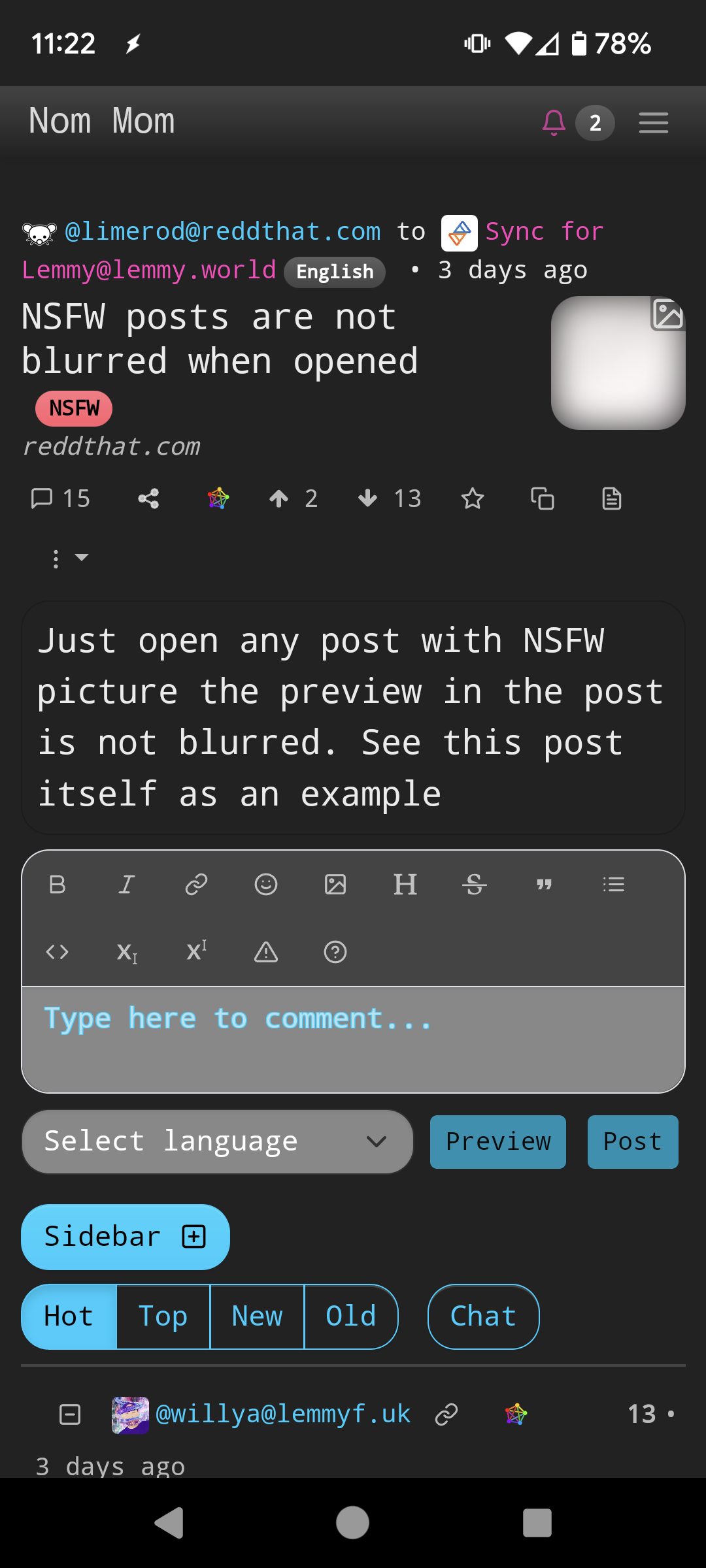
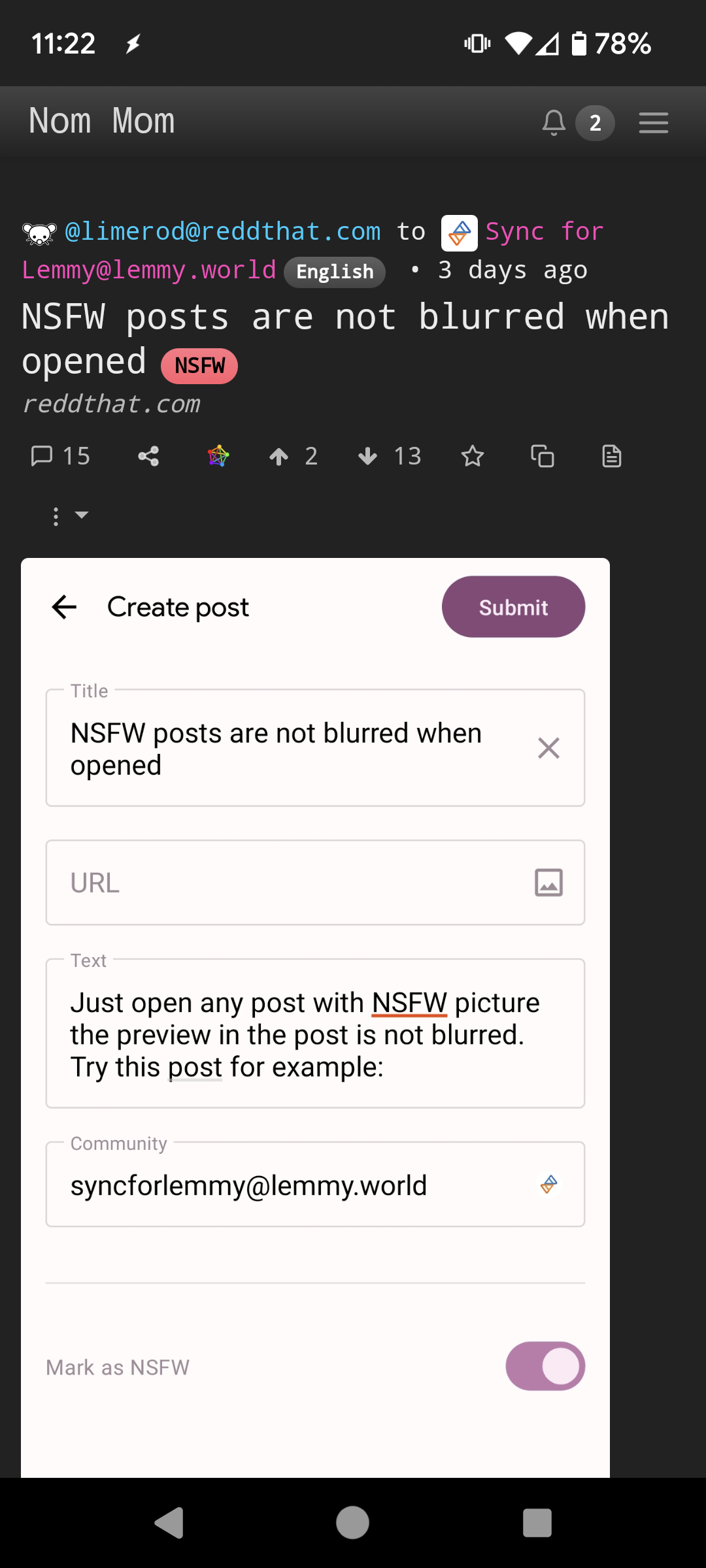 (Did you make that feature request?)
limerod@reddthat.com · 2 pts · 2y
I have been busy with life, so I could not. If you can feel free.
_Sprite@lemmy.world · 1 pts · 2y
limerod@reddthat.com · 1 pts · 2y
Not on my end.