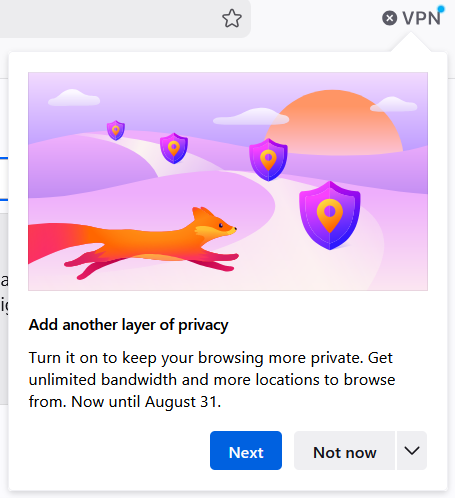
A few minutes after installing, Firefox presented me with this... Ironically, while I was in the settings to turn off sponsored advertisements.
A continuation of this post, which was about nag screens that encourage you to use features (AI in that case).
5 Comments
dan@upvote.au · 16 pts · 37d
This is a hard problem. It's frustrating that they show ads like this, but on the other hand they need to diversify their revenue streams since they currently rely on Google for 85% of their revenue (Google pays Mozilla in exchange for making Google the default search engine). The VPN service is another way for them to make money.
In the end, I don't think I mind seeing easily dismissable notices like this if it helps them survive as a company. I'd rather have Firefox with a VPN ad than have no Firefox at all.
jayemar@sh.itjust.works · 7 pts · 37d
Agreed. I probably wouldn't have known it was there without that pop-up, and it was easy enough to dismiss as I'm not interested right now.
XLE@piefed.social · 3 pts · 37d
It already has a toolbar icon, and that icon gets a blue notification dot that distinguishes it from the dull gray text/icons, on every new install or profile
(Every Firefox profile tends to have a bunch of onboarding prompts with some kind of timer attached, but I don't know how to disable them without digging into advanced configuration)
waldfee@feddit.org · 1 pts · 36d
The toolbar icon is a bit annoying, but it's still only Right click > Remove from toolbar to get rid of it if you're not already familiar with customising the toolbar
squirrel@cake.kobel.fyi · 4 pts · 36d
I switched to LibreWolf and IronFox because of stuff like this