I have a few issues with steam and steam games.
I'll start with my laptop's specs:
Acer-Aspire-E5-722G
- Operating system : Kubuntu 26.04
- Kernel: 7.0.0-29 generic
- CPU: AMD A8-7410 APU with 4 cores
- Memory : 6.72GB DDR3 (supposed to be 8)
- Storage: WD HDD with 931.51GB
- Graphics device 1 : AMD Radeon(TM) R5 M335
- Graphics device 2 : AMD Radeon(TM) R5 Graphics (iGPU)
Issue 1: I have installed steam and it ran once but now it crashes if i try to open it (I can share the crash logs) and it works fine if I run it in terminal (I just type steam in Konsole and hit enter).
Issue 2: I installed Car Mechanic Simulator 2018 on my laptop and I ran it once and I had to turn the settings way down for decent frames but I got it playable, when I try to open it it doesn't crash it just take forever (I waited foor 20 minutes and it didn't open). Here is what I have tried:
-
I switched Poton version form experimental to the latest stable version (9.0-4)
-
I added ```-nointro -novid
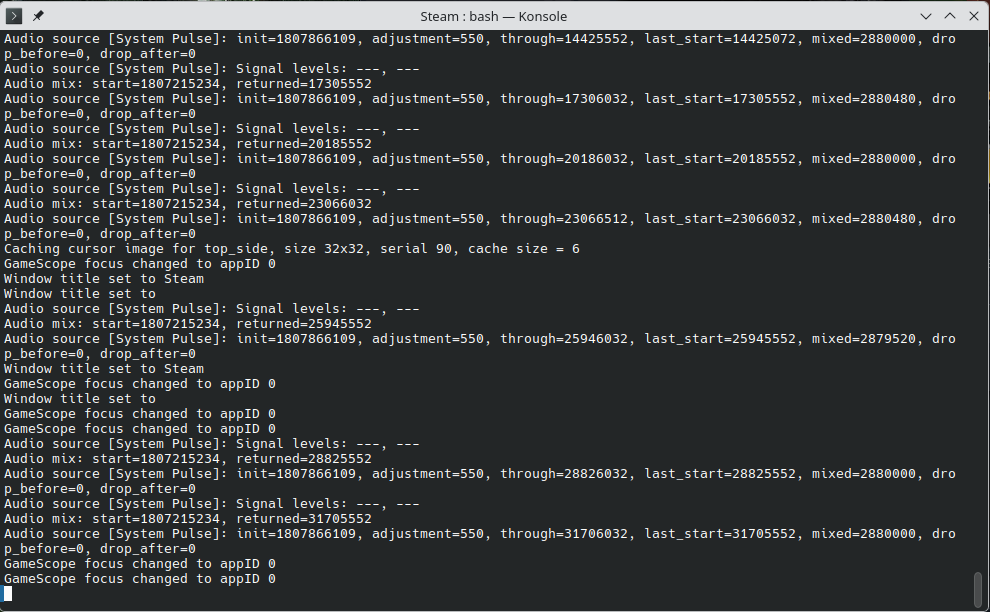
Here is a picture of where it gets stuck
Issue 3 (I don't know if this one is solvable): I used to have Windows 10 on this laptop and I could play American Truck Simulator on it with low settings, but on Kubuntu it doesn't launch.
Thanks in advance.
If you need more information just ask and i'll try to provide it.
UPDATE: All of the issues have been solved (mostly)
Issue 1: I disabled "GPU acceleration" and “smooth scrolling in web views”
Issue 2: I used this fix from ProtonDB: Set launch options to `PROTON_USE_WINED3D=1 %command%`
Issue 3: I used this fix from ProtonDB: Set launch options to `PROTON_USE_WINED3D=1 %command%` however my laptop doesn't have enough RAM and steam was closed by the kernel
11 Comments
Dyskolos@lemmy.zip · 3 pts · 13d
Besides that some games need tinkering (or at least profit from it), I never had such problems as crashing or not starting. And I game A LOT.
Was steam a flatpak? Better don't.
Also, why kubuntu? It's not really aimed at gamers. What about cachyos (my fav) or bazzite (simpler, couch-gaming)? I don't know how "fresh" kubintu is with steam, proton and such.
Got a way more shitty laptop than yours and got some games working in opensuse tumbleweed, so even ancient things can still do.
Monkey@piefed.social · 2 pts · 13d
I downloaded steam from the website (.deb file)
I am new to linux so I haven't really decided what distro I want to use, I wanted KDE and something that was preferrably based off of debian/ubuntu so I chose Kubuntu
Dyskolos@lemmy.zip · 1 pts · 12d
.deb way was probably right. Not that flatpak ISS Bad, It's just sandboxed.
KDE rocks for sure, I totally love it. Beats win in every way. Dunno what bazzite has, cachyos does have it and it's lovely. Maybe not overly noob-friendly (I am one too, at least with desktop-linux), but great. Might quench the last bit outta your laptop as it's optimized for gaming performance foremost. Instead of apt you have pacman. And also paru that is like an automated version of "compile the shit yourself, bleeding edge".
Just can say everything worked fine out of the box. And I have thousands of games on steam and tried maaaaany since going Linux. The tinkering is only needed for mods, getting a bit better performance or HDR or such. But that is probably needed on all distros.
Monkey@piefed.social · 0 pts · 12d
Dyskolos@lemmy.zip · 1 pts · 12d
I boycotted it for a long time though. Due to it killing physical games and 2nd-hand-games for those less fortunate. But, as always, resistence is futile and i caved in when left4dead2 came out. And then i kinda lost track lol. But still modest. Friend of mine is at 22k games he would probably never touch :-) Many crap-games though, probably around 30-40% actually played or to be played.
Maiq@piefed.zip · 1 pts · 13d
Getting some games to run can be tricky sometimes. Sometimes its just finding the right proton. Check protondb for your game. Try to find a comment with similar computer specs that you have and try their proton version and launch options.
As for the steam crashing thing, if at all possible use non flatpak/snap version. If it runs through the terminal but not from your steam.desktop launcher file you could see how the .desktop file is starting steam. Look for the line that begins with
Execif im remembering right. I think the file should be in the ~/.local/share/applications directory.You can back up your steam.desktop file before you edit it so you can easily restore it if you mess things up.
mx_smith@lemmy.world · 2 pts · 13d
This suggestion here ^^^ I had the same issue where I would click the steam icon it would look like it’s about to open and then it wouldn’t, yet I could start from the command line. I found that after a KDE update it messed up the desktop file for Steam. You can fix the desktop file by hand or uninstall and reinstalling steam works too.
Monkey@piefed.social · 0 pts · 12d
I fixed Issue 2 by using Proton 11.0 and a fix from ProtonDB
I am using Steam downloaded from their site (a .deb file), what am I supposed to do to the Exec lie?
Maiq@piefed.zip · 1 pts · 12d
In the steam.desktop file there is a line
Exec=that points to steams executable file. The steam.desktop file likely lives in~/.local/share/applications.In my steam.desktop file I have many
Exec=for different ways to open steam.The first one on my machine looks like
Exec=steam %U. If yours has a %U you might try removing it or adding it if your exec line is missing it. Before you go messing with anything back up your steam.desktop to something like steam.desktop.bak or something like that so you can easily revert your changes if you need.I don't use any ubuntu based OS's so I cant look on my machine to make sure what your steam.desktop file will/should look like.
The other user that replied to me, I cant see his name right now as I'm on a mobile client, you might ask them how they edited their steam.desktop file. They might have a better Idea what it should look like.
If all else fails you can remove steam and then remove your steam.desktop file and reinstall steam and It should regenerate the desktop file again. Maybe in a better/newer configuration.
Wish I could be of more help but I glad that your game is at least working!
If you still need help tomorrow I can try to do some research in the morning as it's late here now.
Monkey@piefed.social · 2 pts · 11d
I think I solved it with a different solution but thanks for the help
Maiq@piefed.zip · 1 pts · 11d
I'm glad you solved it! Feels good doesnt it. I remember when I was just starting with linux and everything was new and daunting. Little by little these small victories mount into something useful.
You should share the fix so others can benefit. I'd update your original post so others don't have to rummage through the comments.
Monkey@piefed.social · 1 pts · 11d