Oh, I have just the things for you, as I tried every Linux drawing application under the sun a few years ago!
MyPaint has an infinite canvas and is perfect for drawing, you can use GIMP brushes with it as well.
Krita technically has an infinite canvas and you can go to Image → Trim to Current Layer to enlarge the layer when you paint outwards. If you feel like you're constrained by a small canvas just allocate a very very large size like 40000x40000px and/or zoom inwards a little.
The difference between the two is that with Krita you can paint vectors and use brushes with them, meaning you don't lose resolution if you're zoomed in but are constrained to mathematical smoothing.
With MyPaint you can draw more effectively like you would on a real life infinite canvas and its feature set is deliberately kept very small to support your creativity by constraint.
Try both and see which one works better for you. For me it's actually both, but MyPaint for digital charcoal, graffiti and sketching and Krita for applications like logo design and digital paintings.
It's important to note that while both applications support other formats (like PSD for Krita), OpenRaster (.ora) is the primary format with layers that is mutually supported by both. If you're working between MyPaint and Krita, I recommend to use the ORA format to ensure that your layers are preserved when transferring between the two applications.
Ive read about this, good to know but infinite canvas applications lend them selves well to mindless doodles and expanding canvas is extra work that I am too lazy for
I'm using MyPaint (https://mypaint.app/about/) to teach remotely in a "KhanAcademy style" along with a Wacom Intuos tablet and it's perfect for the job. It can obviously also be used for artistic drawing.
19 Comments
Helix@feddit.de · 25 pts · 2y
Oh, I have just the things for you, as I tried every Linux drawing application under the sun a few years ago!
MyPaint has an infinite canvas and is perfect for drawing, you can use GIMP brushes with it as well.
Krita technically has an infinite canvas and you can go to Image → Trim to Current Layer to enlarge the layer when you paint outwards. If you feel like you're constrained by a small canvas just allocate a very very large size like 40000x40000px and/or zoom inwards a little.
The difference between the two is that with Krita you can paint vectors and use brushes with them, meaning you don't lose resolution if you're zoomed in but are constrained to mathematical smoothing.
With MyPaint you can draw more effectively like you would on a real life infinite canvas and its feature set is deliberately kept very small to support your creativity by constraint.
Try both and see which one works better for you. For me it's actually both, but MyPaint for digital charcoal, graffiti and sketching and Krita for applications like logo design and digital paintings.
It's important to note that while both applications support other formats (like PSD for Krita), OpenRaster (.ora) is the primary format with layers that is mutually supported by both. If you're working between MyPaint and Krita, I recommend to use the ORA format to ensure that your layers are preserved when transferring between the two applications.
ultra@feddit.ro · 1 pts · 2y
Ummmm
Helix@feddit.de · 2 pts · 2y
The world is your canvas!
Terces@lemmy.world · 13 pts · 2y
Not sure if that is anything you might be interested in, but there is Lorien, which uses the godot game engine:
https://github.com/mbrlabs/Lorien
squid@feddit.uk · 3 pts · 2y
Yea I gave it ago, it crashed afew times and seemed to be very limited
vort3@lemmy.ml · 10 pts · 2y
I might be wrong here, but IIRC Krita has this feature where you can expand any side of the canvas, so technically infinite I guess.
squid@feddit.uk · 3 pts · 2y
Ive read about this, good to know but infinite canvas applications lend them selves well to mindless doodles and expanding canvas is extra work that I am too lazy for
Helix@feddit.de · 5 pts · 2y
MyPaint it is then!
perviouslyiner@lemm.ee · 3 pts · 2y
just turn off the display of page edges in Inkscape?
owatnext@lemmy.world · 5 pts · 2y
Following this, commenting for visibility.
AlmightySnoo@lemmy.world · 5 pts · 2y
I'm using MyPaint (https://mypaint.app/about/) to teach remotely in a "KhanAcademy style" along with a Wacom Intuos tablet and it's perfect for the job. It can obviously also be used for artistic drawing.
squid@feddit.uk · 4 pts · 2y
Mypaint seems to be the only option, its good although rough around the edges but ticks all my boxes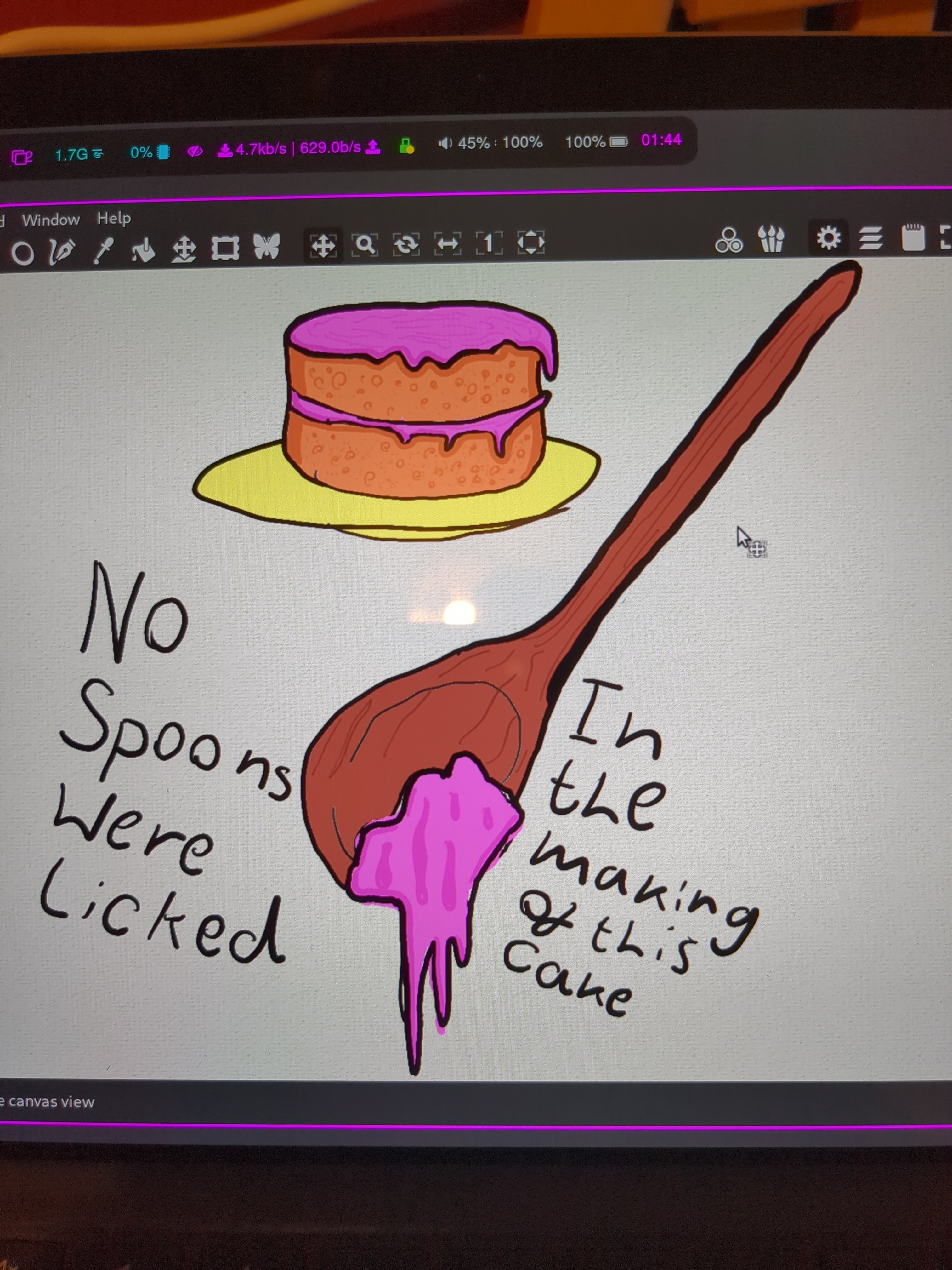
piranhaphish@lemmy.world · 5 pts · 2y
Line Rider
tekcaj@lemmy.ml · 4 pts · 2y
RNote? I've been meaning to try it out.
Felix538@feddit.de · 3 pts · 2y
I use write for my notes at uni. Highly recommended. Don't know if it's good for drawing too.
afk@ttrpg.network · 2 pts · 2y
https://www.miltonpaint.com/
squid@feddit.uk · 2 pts · 2y
Looks great but is it a dead.project, last update in 2019
melvin@lemmy.ml · 1 pts · 2y
ultra@feddit.ro · 1 pts · 2y
RNote if
Lime66@lemmy.world · 1 pts · 2y
I like penpot, it is browser based though