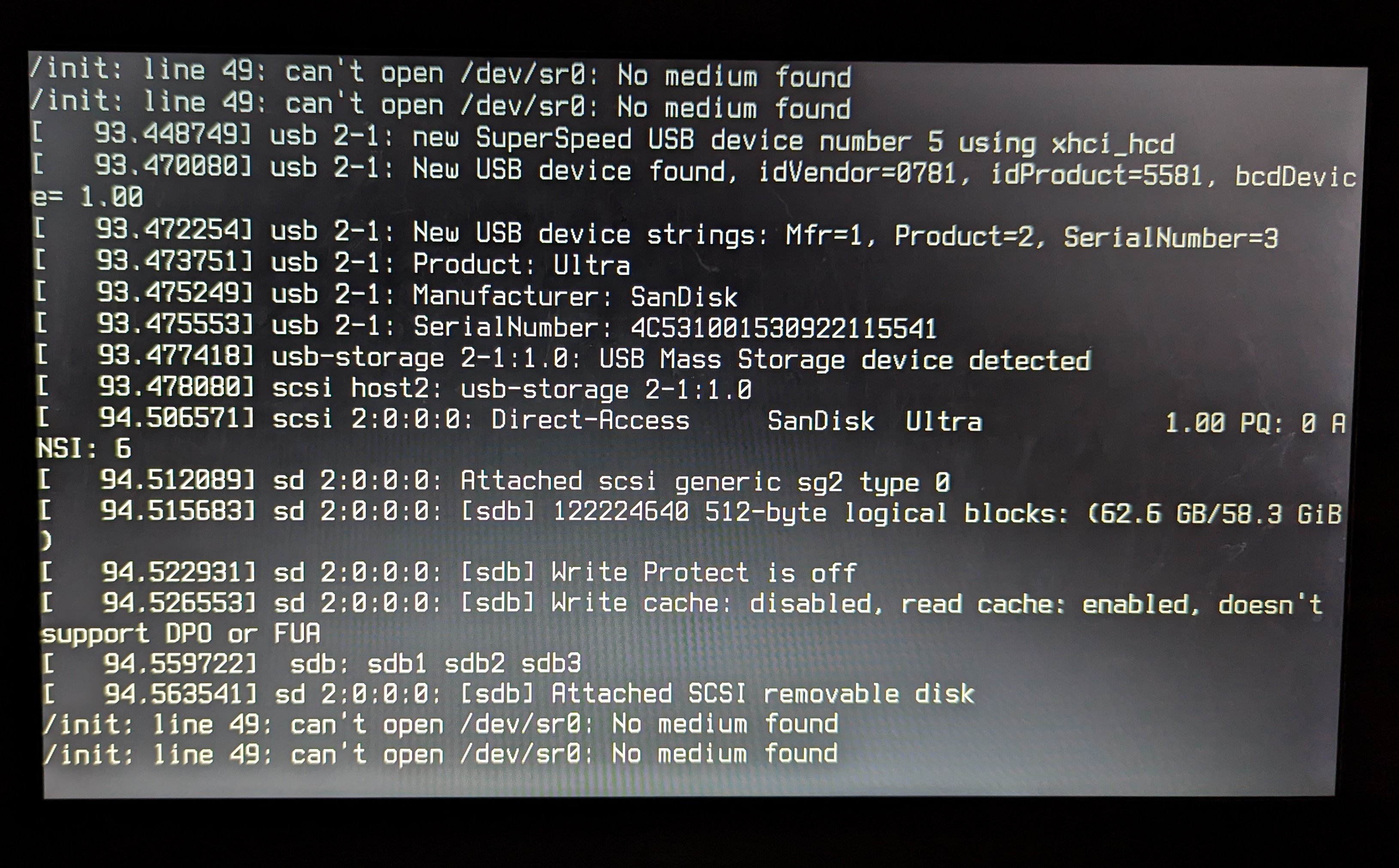
Hi! Today I have a noobie question. I tried to install Pop!OS on my laptop for the very first time and I did everything the instructions on the support website told to do. Disabled the secure boot, flashed ISO file trough Etcher, booted from UEFI USB stick and I got this (pic attached). Tried switching USB ports, USB sticks, redownloading the ISO file and nothning. Can someone please explain to me like I'm 5 what to do next and how to fix this?
Edit: spamming F6 worked, installed successfully!
6 Comments
spxak1@lemmy.world · 3 pts · 3y
Glad you fixed it. Have a look and start using ventoy for your ISO and USB needs.
Wolfiexo@lemmy.world · 1 pts · 3y
Thanks, will try that for sure!
KrapKake@lemmy.world · 3 pts · 3y
I haven't personally had this problem but I did search the error. Try the solutions found here...
https://askubuntu.com/questions/47076/how-do-i-fix-cant-open-dev-sr0-no-medium-found-on-usb-boot
Wolfiexo@lemmy.world · 2 pts · 3y
I looked at it before and I tried to do something but pressing F6 did nothing. I just tried again right now when I saw that last comment on the thread you posted to just spam F6 and that worked. Thank you!
mmstick@lemmy.world · 3 pts · 3y
Make sure the USB was flashed with dd (direct disk) mode, and that you're booting it in UEFI mode. Some tools attempt to make a bootable USB drive by extracting the contents of a CD-based ISO and trying to configure a USB-bootable environment from it, but this breaks the Pop!_OS installation environment as it's already a hybrid ISO meant to be imaged directly to the USB drive as is, bit for bit.
Wolfiexo@lemmy.world · 1 pts · 3y
Actually the tool I used the first time I tried gave me a warning that this is hybrid ISO and flashed as is. Still don't know what problem it was but spamming F6 fixed it and I installed pop successfully! Hello Linux world!