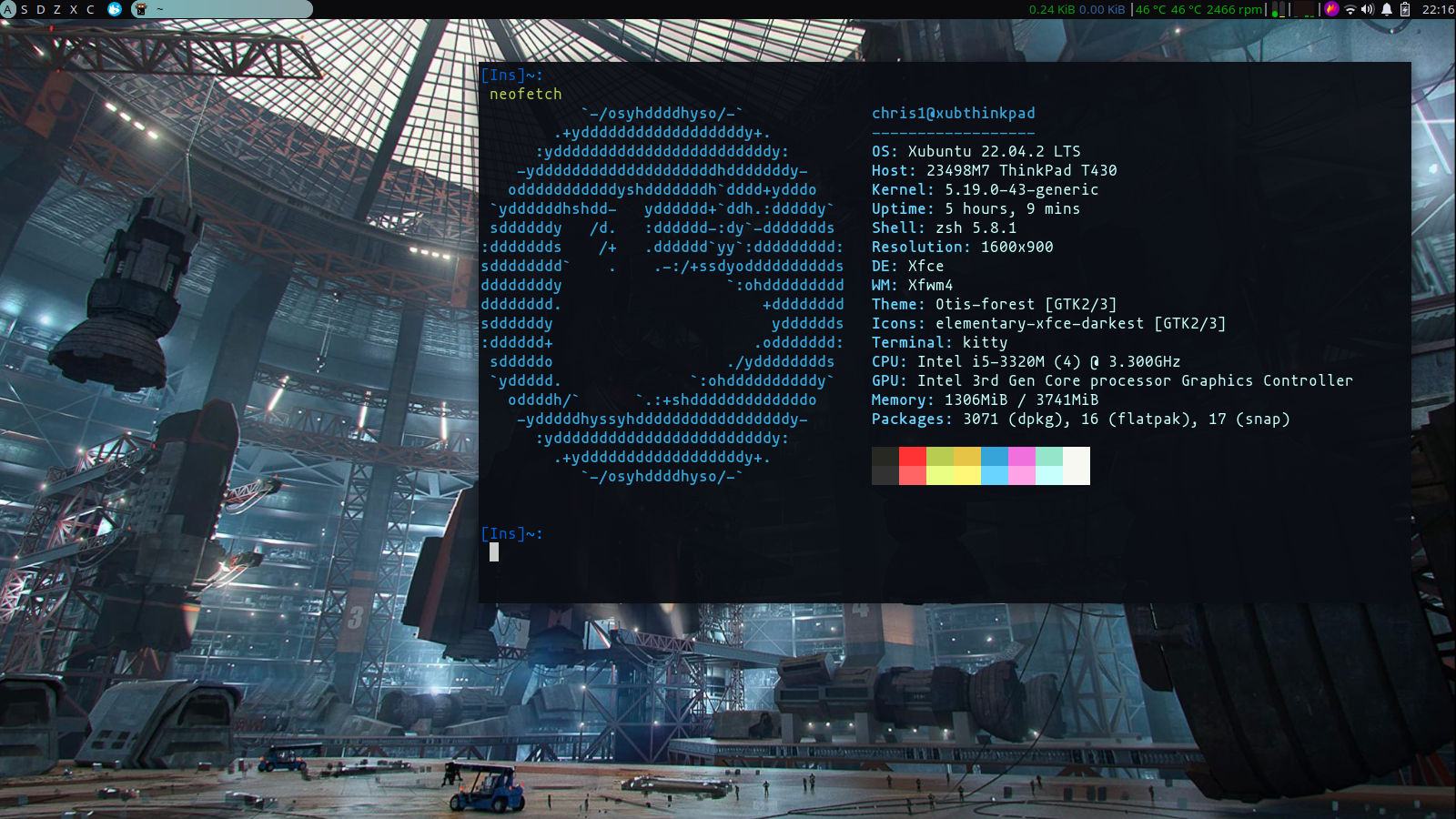
I know i've let this get a bit messy but eh it's a new community for me so I'm letting my hair down and posting some unix porn.
Look in the top left, I've bound workspaces to asdzxc. Cool eh? I wish tiling window managers did that. Can't have split keyboards on a laptop.
7 Comments
jcb2016@lemmy.world · 2 pts · 3y
Beautiful rice
jason123santa@lemmy.jasonsanta.xyz · 1 pts · 3y
What bar is that?
reallychris@lemmy.world · 3 pts · 3y
just the standard xfce one
jason123santa@lemmy.jasonsanta.xyz · 2 pts · 3y
I can't figure out how to theme xfce4 panel. I tried awhile back and did not get anywhere. But I can see again if you have documentation
reallychris@lemmy.world · 1 pts · 3y
ah, this is mostly from my gtk theme, but now that i just remembered i did do a little bit of tinkering. i can't remember if there was anything else i needed to do, but i know that i needed to save this to .config/gtk-3.0/gtk.css. this gives the rounded edges, and corrects the foreground/background colours. i can't remember what it looked like originally but very few gtk themes actually matched well with the bar.
jason123santa@lemmy.jasonsanta.xyz · 1 pts · 3y
Thanks I will see what I can change with the css