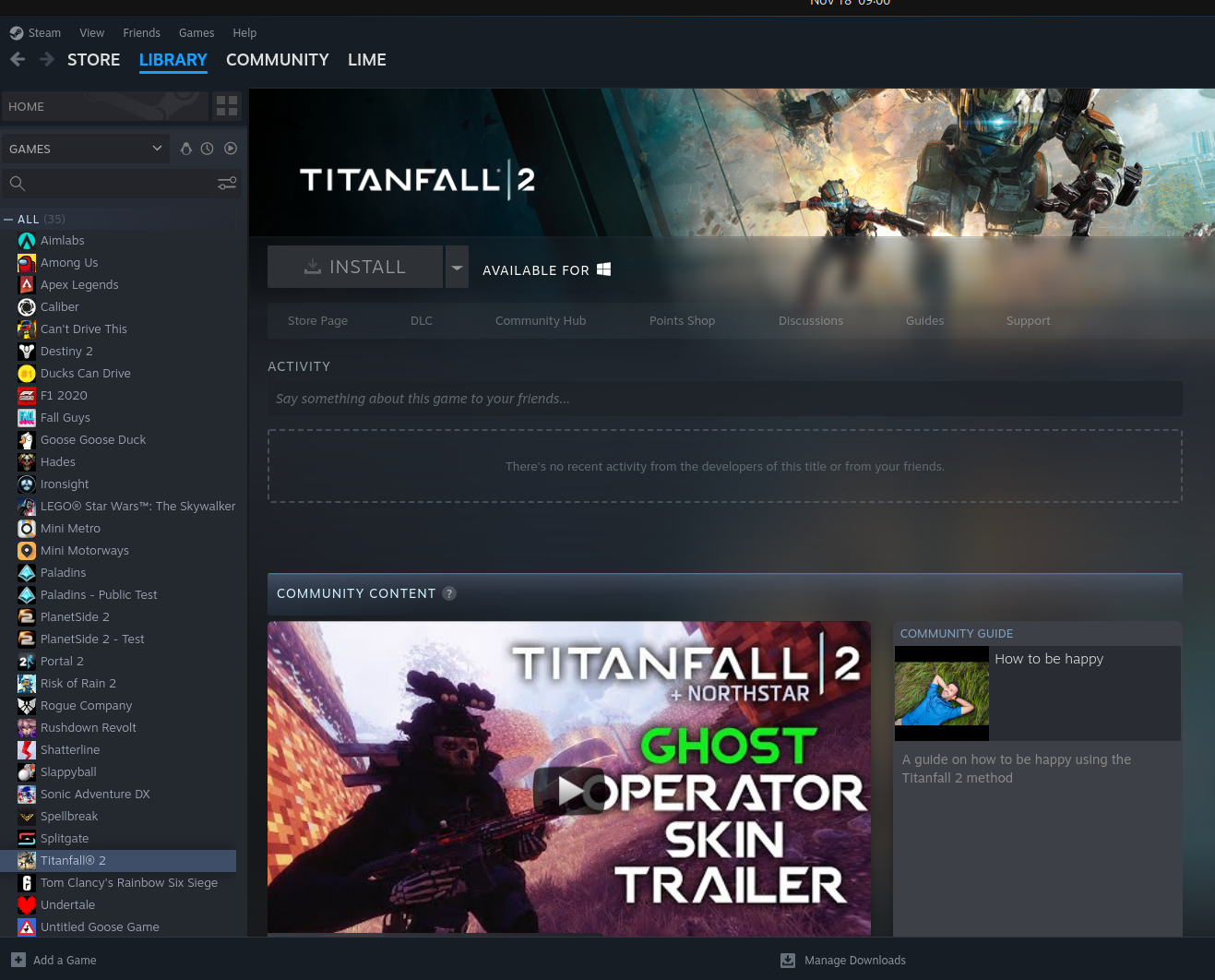
In the Steam settings there's an option for "Enable Steam Play for incompatible games", is that turned on? I think it's a seperate option to just enabling Proton.
Just to be sure. Are the options "Enable Steam Play for supported titles" and "Enable Steam Play for all other titles" in Steam Settings >> Compatibility both set?
First and only thing that came to mind. Maybe somebody has more ideas.
You can try right clicking the title in your library and going to properties -> compatibility-> force compatibility and select your proton version of choice.
Titanfall 2 worked a-ok when i tried it a few weeks ago.
9 Comments
savvywolf@pawb.social · 29 pts · 2y
In the Steam settings there's an option for "Enable Steam Play for incompatible games", is that turned on? I think it's a seperate option to just enabling Proton.
Lime66@lemmy.world · 6 pts · 2y
That is not turned on
runswithjedi@lemmy.world · 32 pts · 2y
Lime66@lemmy.world · 12 pts · 2y
It did
unexposedhazard@discuss.tchncs.de · 8 pts · 2y
Splendid
ObviouslyNotBanana@lemmy.world · 1 pts · 2y
Did it work? Are you a falling titan yet?
Zenzio@kbin.social · 26 pts · 2y
Just to be sure. Are the options "Enable Steam Play for supported titles" and "Enable Steam Play for all other titles" in Steam Settings >> Compatibility both set?
First and only thing that came to mind. Maybe somebody has more ideas.
Edit: Whoa, seems I was late to the party.
DrRatso@lemmy.ml · 17 pts · 2y
You can try right clicking the title in your library and going to properties -> compatibility-> force compatibility and select your proton version of choice.
Titanfall 2 worked a-ok when i tried it a few weeks ago.
NyneR@discuss.tchncs.de · 7 pts · 2y
There is a setting (under compatibility if I had to guess) to enable proton for not officially supported games. That should enable you to play it.
fakeman_pretendname@feddit.uk · 5 pts · 2y
Just enabled at all, or "allow proton for all games" enabled?
Maybe have a quick read through Gaming On Linux's Steam Play/Proton Guide - it covers quite a lot of stuff that might not be obvious initially.