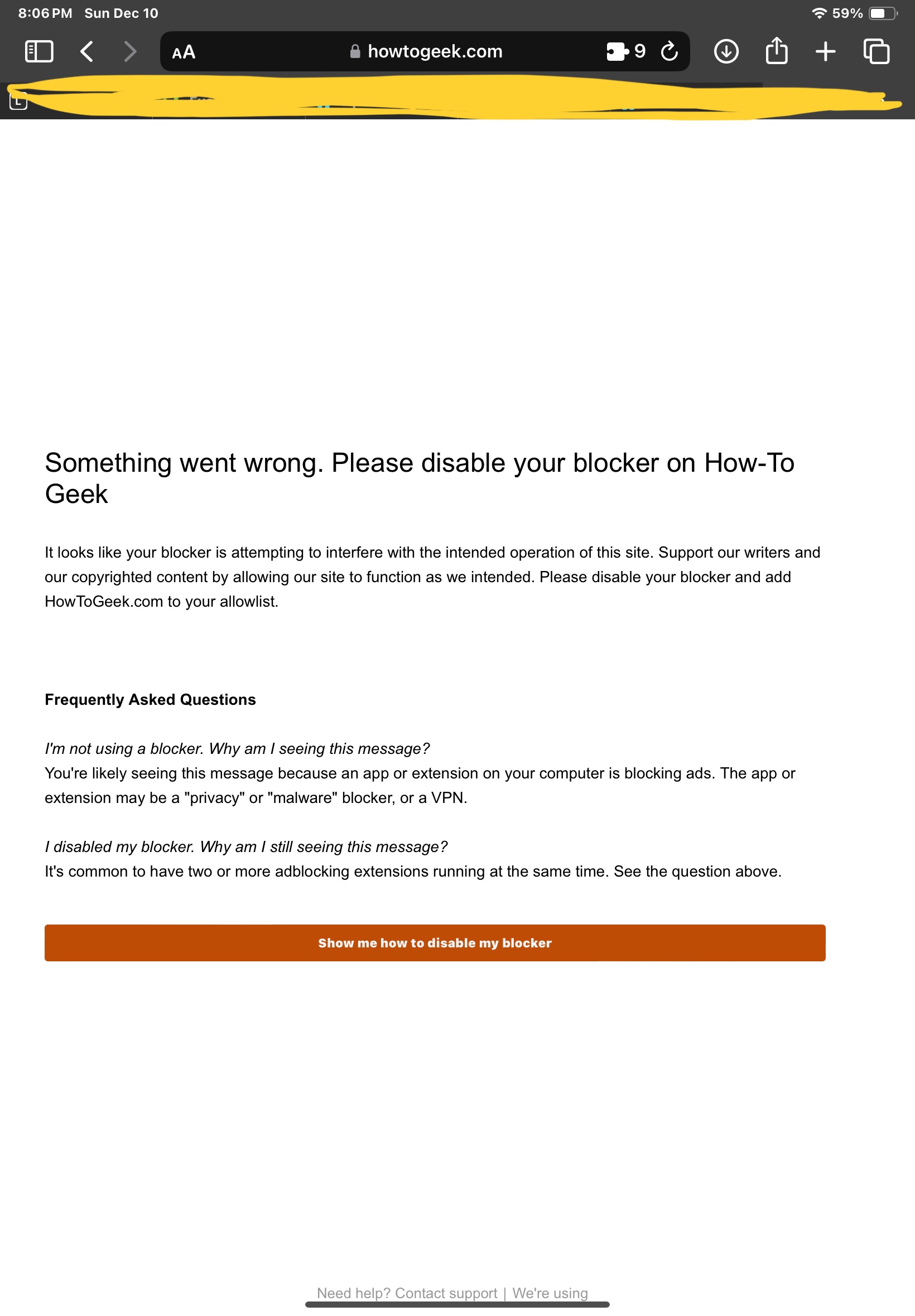
c/ios_community · by Reverendender@sh.itjust.works · 2yAnyone know how to stop running into this in Safari on iOS 17, without getting rid of my privacy extensions? 25 points · 7 comments · view on lemmy.world
7 Comments
NiaTheCat@lemmy.world · 10 pts · 2y
Reverendender@sh.itjust.works · 3 pts · 2y
That sounds promising. I have AdGuard but I don’t pay for premium. You do, I’m guessing?
NiaTheCat@lemmy.world · 3 pts · 2y
TheUncannyObserver@lemmy.dbzer0.com · 6 pts · 2y
Yeah, just turn on reader view. I get that exact message on some news sites, turning on reader view lets me read the site without disabling my adblocker or VPN. When I realized that’s all it took, I just set those sites to always use reader view.
TSR55@lemm.ee · 6 pts · 2y
Reader view often works.
Reverendender@sh.itjust.works · 1 pts · 2y
I’m running: 1Blocker, AdGuard, AdBlock Pro, Consent-O-Matic, Ghostery, Vinegar, SuperAgent, and Hush
Ashyr@sh.itjust.works · -1 pts · 2y
I literally just tried to fix this and I think it worked. I went to Safari's settings - advanced - disable JavaScript
Seems to have fixed it for me.
I just tested one website though, so we'll see.
bluefirex@lemmy.world · 8 pts · 2y
Disabling JavaScript is not a solution. You will break at least 80% of websites.
Ashyr@sh.itjust.works · 1 pts · 2y
Good to know, thanks