Good morning, English isn't my first language and it happens quie often that I need to select a good chunk of text to translate it with DeepL, why, in often cases, is impossible but select the title of an article that Lemmy's bot has summarised? I would appreciate, and I am pretty confident I am not the only one, if the operation would be much handier or possible. Thanks for reading this and for any tip or hint.
17 Comments
tun@lemm.ee · 13 pts · 2y
Which UI you are using? Web or app?
I use voyager app and it has a feature "copy text". When used, the title and body are selectable.
droning_in_my_ears@lemmy.world · 5 pts · 2y
I use Eternity and it lets you copy text
vanveen@lemmy.world · 5 pts · 2y
I am using Voyager, which compared to the previous client I was using is remarkable, beside this and other features that don't work in an intuitive way or maybe don't work at all.
ultra@feddit.ro · 3 pts · 2y
Click on the three dots in the top left corner, then "select text".
tja@sh.itjust.works · 2 pts · 2y
Which phone/os are you using? I am using a Google Pixel phone and I can swipe up and see the option to select any text.
vanveen@lemmy.world · 4 pts · 2y
I use Voyager, but there's not any option to select text but cumbersome(see below). I just can't heavy-tap, select and copy. And even when I do that operation of tapping high on the left hand side of the screen and little menu appears, I tap on select text, and sometimes I can select only the title of the article, not the text.
bulwark@lemmy.world · 4 pts · 2y
Sync majors it pretty easy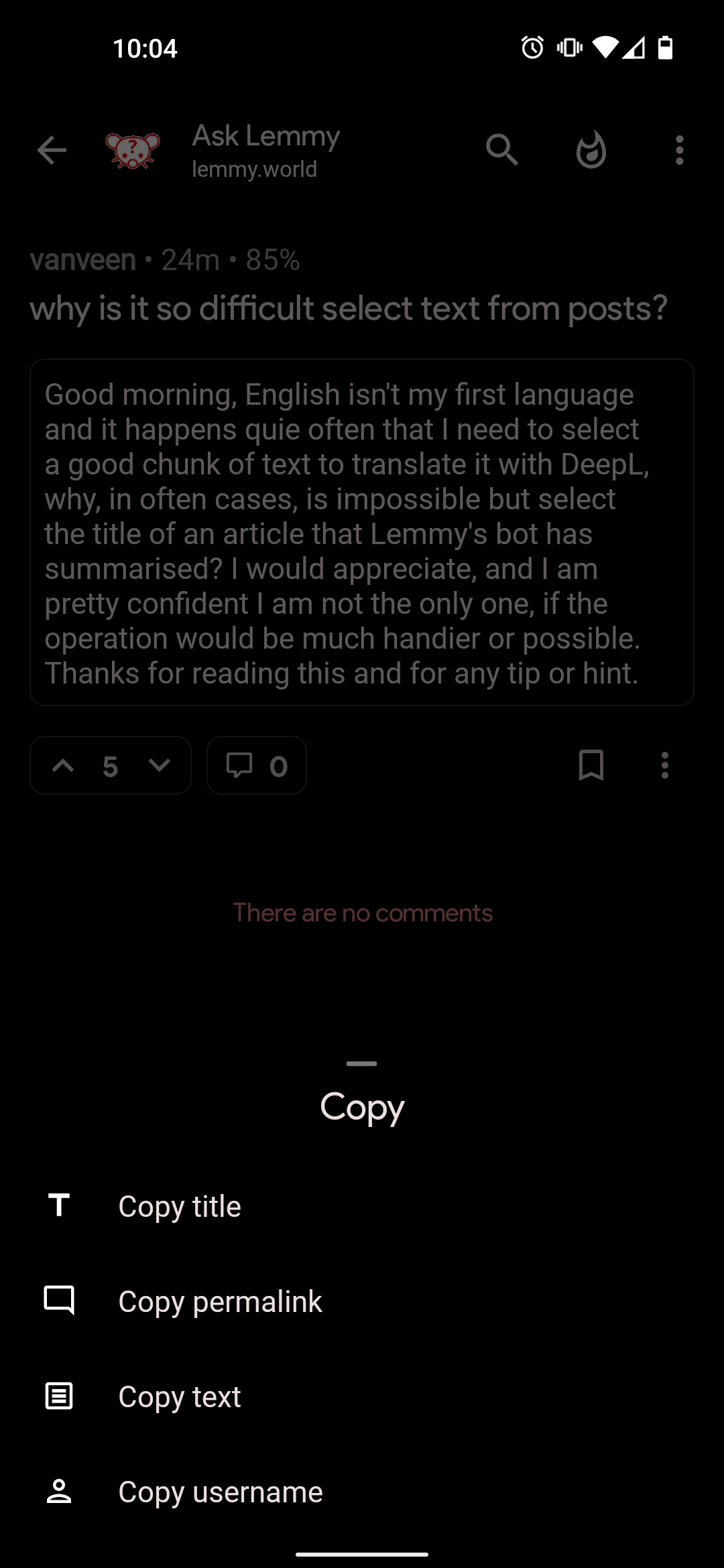
mom@nom.mom · 2 pts · 2y
Also Sync:
xarexyouxmadx@lemmy.world · 3 pts · 2y
Idk what client you're using but I'm using eternity on android. It let's you select all the text from any post/comment.
Many others commented that their clients allow it as well. Maybe consider trying some new ones out?
NemoWuMing@lemmy.world · 3 pts · 2y
Boost lets you select and copy text
vanveen@lemmy.world · 2 pts · 2y
🤦♂️ Ok, I expected to create this mini chaos. I am not particulary acute, but I normally tend to figure out, while using a client, how to select and copy the a portion of text. In this case, before posting, I've tried some of the most obvious and intuitive solutions without any results, the only ones I've obtained where cumbersome and unsatisfaying.
I did not know existed so many app/clients for Lemmy. I've just tried 2 and this one, Voyager, is, I repeat, graphically very rich and beautiful, if compared with the previous and, also with Reddit is fun (the reddit client I used until it was shut down following that rascal Reddit did to the creator of RIF). I want to support Voyager because is by far the most beautiful app I've used among those said clients.
I'm sure there must be a most practical and elegant to selct and copy the text, I'll find out and I'll let you know, thanks for all your answer and the desire to help!
vanveen@lemmy.world · 2 pts · 2y
I checked on f-droid and Google play and I could not find Avelon
Chainweasel@lemmy.world · 2 pts · 2y
I looked it up out of curiosity, it's Apple only. First result on Google was for the Apple store.
vanveen@lemmy.world · 1 pts · 2y
praise_idleness@sh.itjust.works · 1 pts · 2y
vanveen@lemmy.world · 0 pts · 2y
Sorry, which app is it? I use Voyager, that is graphically impeccable but a bit abstruse.
Moghul@lemmy.world · 8 pts · 2y
You're not replying directly to people either. You're only replying to the post. Maybe you can select text in Voyager too, but you don't know how.
Num10ck@lemmy.world · 1 pts · 2y
Avelon is very close to Voyager UI but more polished.
starman@programming.dev · 1 pts · 2y
Try Photon if you are willing to change your client. It's web-based so you can select almost everything