Hi,
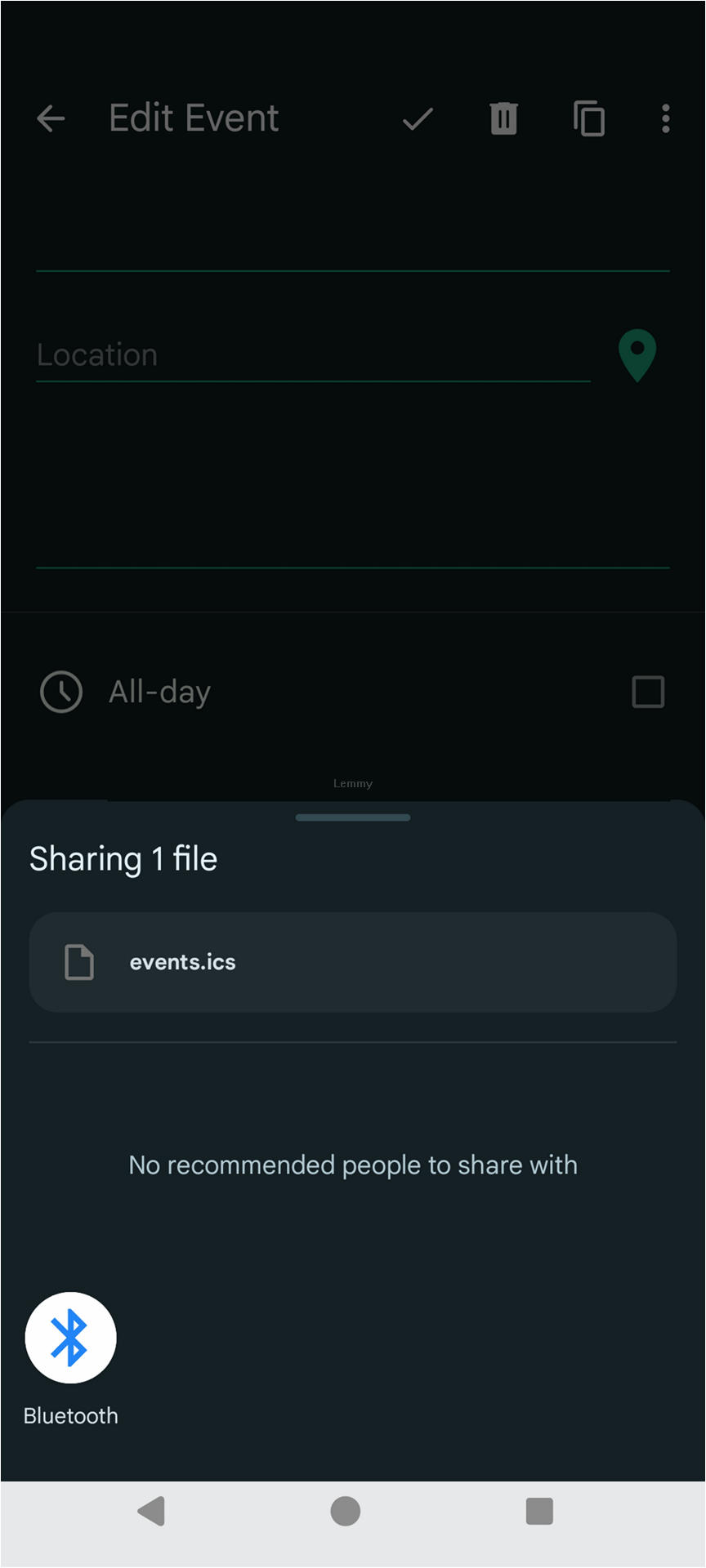
Often apps offer you a way to "share" some content. While doing so you have a native Android menu that propose you few compatible apps to "share" it.. great... But I don't want to share it I want to save it locally (on the device) Any ideas how to do just that ?
5 Comments
pacjo@lemmy.dbzer0.com · 11 pts · 2y
Awesome files app - Material Files provides a save as share option. GitHub, F-Droid
Also there's are multiple dedicated save as apps (not in a specific order):
mydude@lemmy.world · 6 pts · 2y
There is an open source app called "Save locally". You find it at https://github.com/MateusRodCosta/Share2Storage and on f-droid.
Wistful@discuss.tchncs.de · 4 pts · 2y
Mixplorer also adds the option in the share menu to save the file.
Subtex@lemmy.ml · 4 pts · 2y
If you have a file manager app installed you should get that as an option for most content (I use Amaze).
BearOfaTime@lemm.ee · 3 pts · 2y
I've used Send To SD Card for years and years.
Though lately I've been relying on MixPlorer.