I have to use Windows on my work computer and I am finding it hard to get FOSS applications on Windows that can do stuff like
- Record a video (like SimpleVideoRecorder does)
- Take a screenshot (there's snip, but it isn't very customizable)
- Unzip .zip files
Just the routine things I used to take for granted on Linux, so I was wondering if there was a FOSS app store for Windows
And it would be very helpful if someone could suggest alternative for
- SimpleVideoRecorder
- Archive Manager
Even the apps I installed for these things either had ads or asked me for payment to record more than 2 minutes of video, I am pretty sure there are FOSS apps to do these things out there, but I don't know where :')
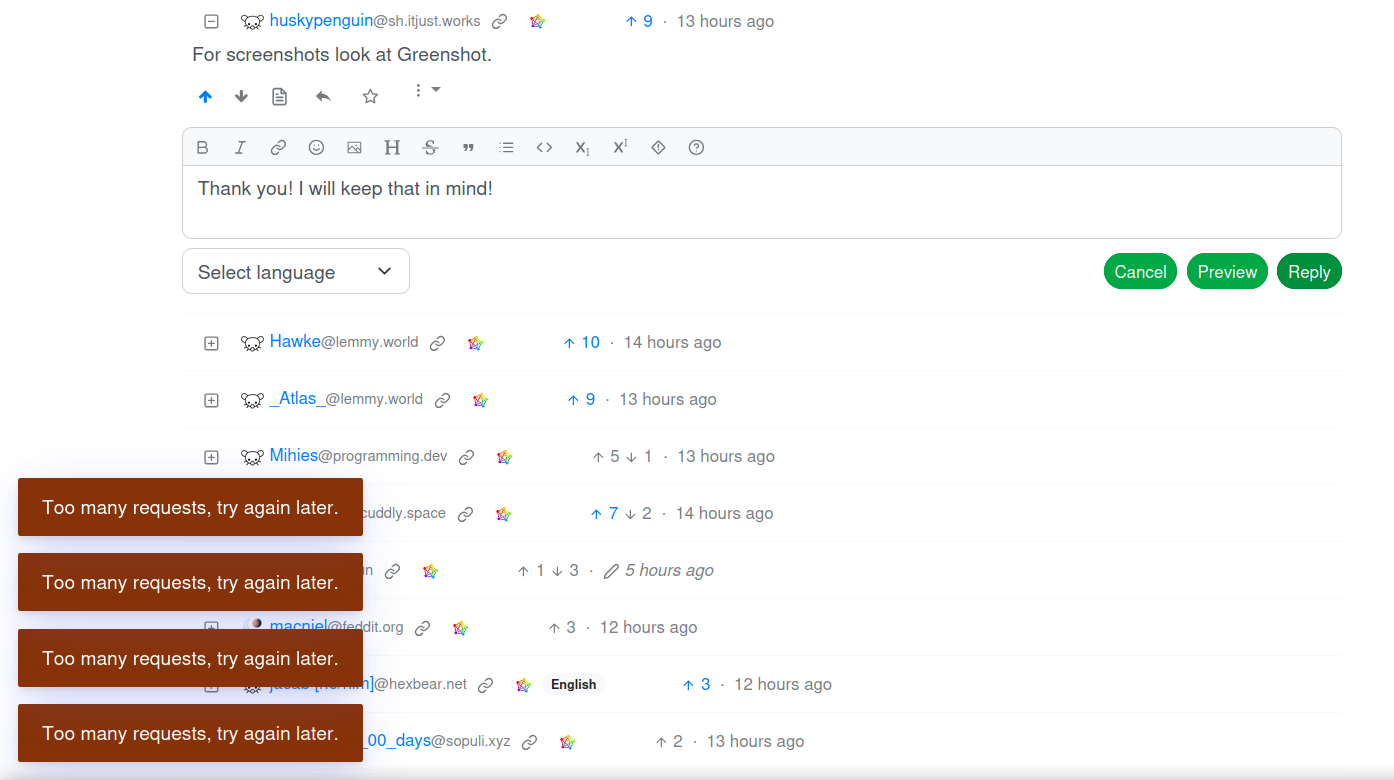
PS: To everyone who has tried to help, thank you very much. I was feeling guilty for not replying to most of you, so I thought I would reply to all of ya, but funnily enough, lemmy had had enough of my gratitude!
47 Comments
Sami@lemmy.zip · 33 pts · 2y
For video recording I use OBS and for zip files I use 7-Zip
infeeeee@lemm.ee · 10 pts · 2y
7zip doesn't support the new win11 rightclick menu (yet), nanazip is a fork with full win11 support:
https://github.com/M2Team/NanaZip
Corr@lemm.ee · 3 pts · 2y
I'm using 7zip on win11. You need to get into the old context menu to see it tho. You can edit the registry to make the old one the default too.
No idea why it's a registry edit but Microsoft will do what they will
infeeeee@lemm.ee · -1 pts · 2y
Yes that is another option. I know 7zip works there, win11 is mostly the same as win7 under the hood, but I would install a supported frontend instead of fiddling with the registry, tweaks like that can break after updates
I don't use windows personally, just set it up for others. I don't care enough to tweak the registry for them, if there are more convenient solutions
Corr@lemm.ee · 1 pts · 2y
I use win11 at work sadly so I'm stick with it there. I find the new context menu unusable so I prefer the old one
bigrubbermonkey@lemmy.dbzer0.com · 2 pts · 2y
tweakui can fix this
narc0tic_bird@lemm.ee · 25 pts · 2y
lord_ryvan@ttrpg.network · 21 pts · 2y
To be fair, these tools are all already built-in
I realise these are not open source (and others have already given great open-source options I would give, as well). But you're using Windows already, so why not use Windows?
infeeeee@lemm.ee · 10 pts · 2y
File explorer's built in archiver is still lagging behind, while it's mostly usable, last time I tried to open a password protected rar, and it didn't show a pw dialog just failed silently. 7zip opened it correctly
cizra@lemm.ee · 3 pts · 2y
terminhell@lemmy.dbzer0.com · 3 pts · 2y
Just one little addition: win+shift+s for snipping tool. Let's you select a region, window or whole screen.
lord_ryvan@ttrpg.network · 1 pts · 2y
Added!
amio@kbin.run · 1 pts · 2y
Dirk@lemmy.ml · 18 pts · 2y
The Gold standard in the screen recording world is OBS. It's not only available for Linux, but also for Windows and, well, is the gold standard. If you ask the question if OBS can do this-or-that regarding screen recording, the answer generally is yes (or "yes, via plugin"). Just use OBS on all platforms, it's clearly the most mature screen recording tool out there.
Outsider9042@aussie.zone · 8 pts · 2y
You can even use it as a virtual camera. I’ve had lots of fun with that one in meetings.
DieserTypMatthias@lemmy.ml · 2 pts · 2y
I used Game Bar to record my videos back in the day. But it's just too basic.
sodalite@slrpnk.net · 18 pts · 2y
LibreOffice for replacing Microsoft Office
wargreymon@sh.itjust.works · 18 pts · 2y
Linux is replacing Windows
Blizzard@lemmy.zip · 5 pts · 2y
LibreOffice works on Windows too.
MonkderVierte@lemmy.ml · 1 pts · 2y
ODF for OOXML.
Presi300@lemmy.world · 14 pts · 2y
tmsbrdrs@lemm.ee · 12 pts · 2y
For screenshots, I've been pushing Greenshot as it has built in editing capabilities and has been quite stable on Windows 11
For .zip files, I still stick with 7-zip. It does what it does and has never given me issue.
Hawke@lemmy.world · 10 pts · 2y
For screenshots I recommend Greenshot. Simple to use and good annotation tools.
Subject6051@lemmy.ml · 1 pts · 2y
Interesting, I might keep that in the back of my mind as a backup for ShareX
huskypenguin@sh.itjust.works · 10 pts · 2y
For screenshots look at Greenshot.
_Atlas_@lemmy.world · 9 pts · 2y
Check out scoop and chocolatey
DieserTypMatthias@lemmy.ml · 2 pts · 2y
And winget.
SenXEk@lemmy.ml · 6 pts · 2y
For screenshot, you can use Flameshot which do have a Windows version and even a macOS version:
https://flameshot.org/#download
ian@feddit.uk · 6 pts · 2y
For simple screen recording, I could only find not-so-simple OBS that let me record a part of a screen. In the end it's a good and reliable solution once you set up and save the local area I want to record. Not so spontaneous, but solid.
I edit the videos in KDEnlive Windows install, which is excellent for this work. I have a smooth process and create many videos quickly.
Petter1@lemm.ee · 7 pts · 2y
OBS is just amazing and does not need admin to install 🥰
simpleguy@cuddly.space · 5 pts · 2y
@Subject6051 Most of apps famous in linux are available on windows.
Funny part is while joining Linux we searched alternatives and now for leaving it we need alternatives 😅
Subject6051@lemmy.ml · 2 pts · 2y
Indeed! I gotmyself accustomed to a routine of using featherpad instead of notepad, using Kpaint instead of paint, it's weird to be back. "Hey Windows, it's me again, I hate you, but I have been told I must use you."
Pretty weird, it's getting back at me by showing me the wrong time every time I login! :')
theshatterstone54@feddit.uk · 2 pts · 2y
Yeah, I use a tiling WM at home, so having to deal with Windows' way of doing things at college computers was very annoying, especially when the Super+L keybind I used to Launch apps, was used on Windows to Lock the machine. Locking your PC while trying to open an app is very, very annoying.
MangoPenguin@lemmy.blahaj.zone · 3 pts · 2y
Windows comes with pretty good tools for these already.
Game Bar can do this and is built in, or ShareX for short clips
Snipping tool is pretty full featured and built in. ShareX is also good.
Windows handles ZIP natively.
ProgrammingSocks@pawb.social · 4 pts · 2y
Windows' handling of ZIP files is very poor. I recommend PeaZip or 7zip.
MangoPenguin@lemmy.blahaj.zone · 1 pts · 2y
Can't say I've ever had issues, but PeaZip is good and integrates nicely.
Sweetpeaches69@lemmy.world · 3 pts · 2y
Pictures: Snagit. Videos: Camtasia.
Mihies@programming.dev · 3 pts · 2y
Subject6051@lemmy.ml · 1 pts · 2y
7-zip is amazing! thank you!
DmMacniel@feddit.org · 2 pts · 2y
Doesn't the snipping tool also allow video capture now?
Subject6051@lemmy.ml · 1 pts · 2y
it does, but it's pretty inconvenient. ShareX is better (which I installed after listening to the suggestions)
PseudoSpock@lemmy.dbzer0.com · 2 pts · 2y
WSL
sin_free_for_00_days@sopuli.xyz · 1 pts · 2y
There's this: https://github.com/lextrack/Simple-Screen-Recorder
Disclaimer: I haven't touched Windows in at least a decade.
Subject6051@lemmy.ml · 2 pts · 2y
Thank you! This would have been great if I didn't get to know about ShareX, FOSS app and it manages screenshots and screenrecordings with many many more features! God bless the devs!
Discover5164@lemm.ee · 1 pts · 2y
flameshot for screenshots
xep@fedia.io · 0 pts · 2y
On the build of Windows 11 I'm using PrintScr has been replaced with the snipping style screenshot tool (used to be Shift+Win+S) instead of the fullscreen screenshot like before.
wargreymon@sh.itjust.works · 0 pts · 2y
maniii@lemmy.world · 4 pts · 2y
WSL2 exists for the very reason, if you hate using Windblows, you can install Linux OS on top and do everything from the Linux VM. Why even bother struggling with Windozes interface and software ?
Subject6051@lemmy.ml · 0 pts · 2y
The only problem is the resource management, if you are using something like MX Linux and you have good amount of RAM, you can do this, I have 8GBs of RAM and even Windows 10 runs into resource issues when I am using it casually (forget working on it).
DieserTypMatthias@lemmy.ml · -3 pts · 2y
LibreCAD is shittier version of AutoCAD. Also, we don't have anything like Inventor on Linux. But we do have Heroic Games Launcher for Epic Games Launcher.
amio@kbin.run · -3 pts · 2y