Don't forget that Vim also keeps every tree of undo history. Wrote someone one way, wanted to try another way, and changed your mind? Switch to the other undo future! Change your mind again? Go back!
And there's persistent undo, where your undo history is written a file. Quit Vim, power off your machine for 5 years, power it back on, and you can still undo!
I prefer ctrl+shift+z for redo. The advantage is you can spam both undo and redo without moving your finger from Ctrl and Z buttons. Very common in professional apps.
Similar to how vscode uses Ctrl+shift+arrows for multi line editing but for some reason on my person computer that is hot keyed to flip the screen upside down.
39 Comments
victron@programming.dev · 94 pts · 2y
All my homies just CTRL+Z
RampageDon@lemmy.world · 25 pts · 2y
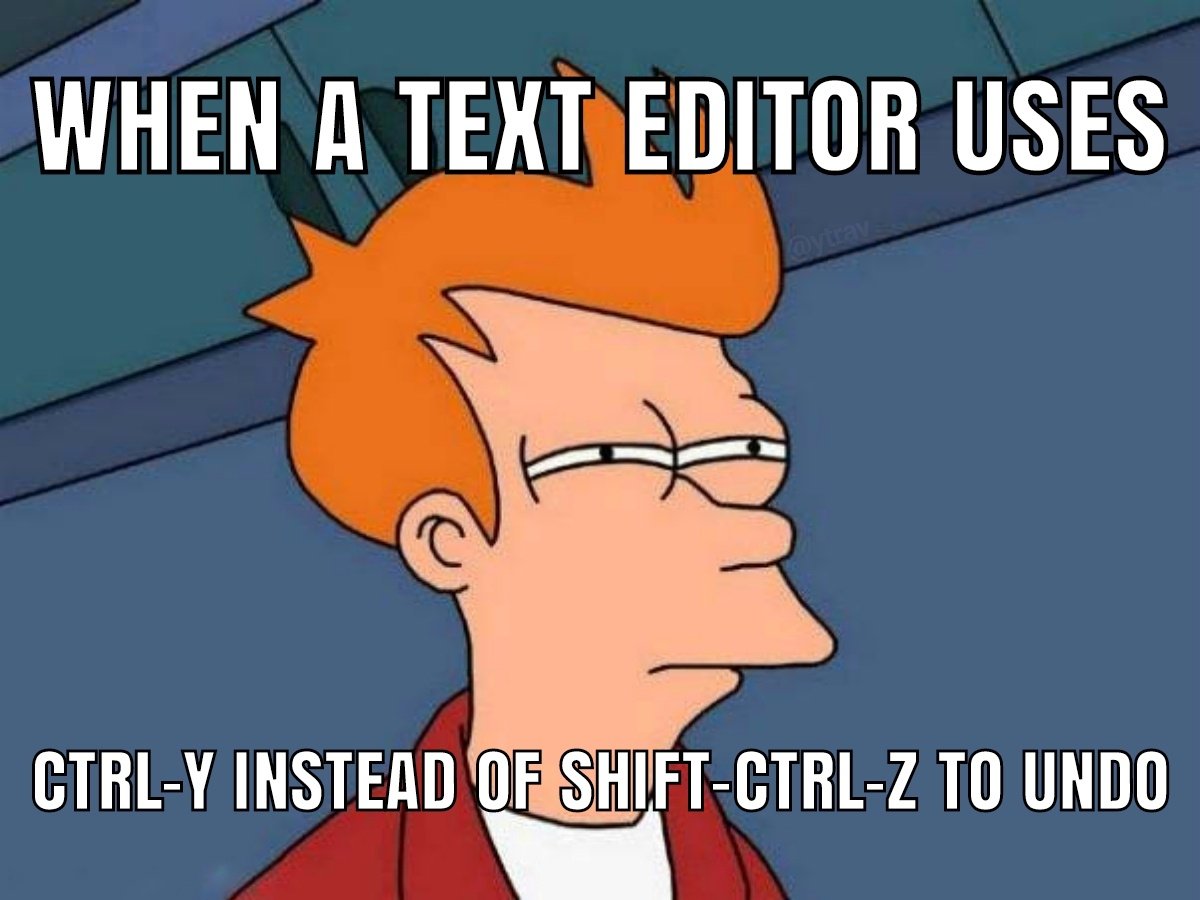
Right, this meme is just undo but with extra steps
qaz@lemmy.world · 22 pts · 2y
They probably mean redo, because that is what CTRL + SHIFT + Z and CTRL + Y commonly do.
SatyrSack@lemmy.one · 5 pts · 2y
They tried to CTRL+SHIFT+Z to undo that last word, but that key combo was actually set to export the photo
rtorlas@lemmy.world · 57 pts · 2y
u for undo. vi forever!
Synthead@lemmy.ml · 17 pts · 2y
Don't forget that Vim also keeps every tree of undo history. Wrote someone one way, wanted to try another way, and changed your mind? Switch to the other undo future! Change your mind again? Go back!
And there's persistent undo, where your undo history is written a file. Quit Vim, power off your machine for 5 years, power it back on, and you can still undo!
marcos@lemmy.world · 42 pts · 2y
Shouldn't it be used for redo?
I mean, yeah, of course it should be paste. But if you decide to break the established convention, isn't the next option redo, instead of undo?
beta_tester@lemmy.ml · 6 pts · 2y
nicoweio@lemmy.world · 36 pts · 2y
Germans on English kezboards know the struggle
Dogeek@sh.itjust.works · 11 pts · 2y
I see what you did there.
mister_monster@monero.town · 31 pts · 2y
My text editor uses
uandUlrabbt@lemmy.world · 5 pts · 2y
Helix?
ChickenAndRice@sh.itjust.works · 6 pts · 2y
philm@programming.dev · 5 pts · 2y
Hmm pretty sure, it's not vim, as that would be
uandC-rsip@programming.dev · 2 pts · 2y
idk my vim uses u U in visual.
mister_monster@monero.town · 2 pts · 2y
You know it.
6xpipe_@lemmy.world · 18 pts · 2y
"What did that code look like two minutes ago?"
"Oh, ok."
ytrav@lemmy.world · 3 pts · 2y
why is this so true,,,,,
janAkali@lemmy.one · 2 pts · 2y
lol, just use time travel, Vim time travel:
:earlier 2mand back:
:later 2mnogrub@lemmy.world · 1 pts · 2y
wait that seems really usefull is that in standart vim ?
janAkali@lemmy.one · 1 pts · 2y
Yes, plain vanilla Vim
Here's help entry (see section 4 if link doesn't redirect to it).
And it is even more useful with an undo-tree plugin.
nogrub@lemmy.world · 1 pts · 2y
oh thank you good sir ^^
linuxgator@lemmy.ml · 15 pts · 2y
More like Ctrl-WHYYYY?
knobbysideup@lemm.ee · 10 pts · 2y
:u
Synthead@lemmy.ml · 4 pts · 2y
Or just: u
Hazzia@discuss.tchncs.de · 3 pts · 2y
EmasXP@lemmy.world · 6 pts · 2y
Ctrl + Y shall paste, and nothing else!
Diabolo96@lemmy.dbzer0.com · 32 pts · 2y
Ctrl-c copy. Ctrl-v past. Ctrl-x cut
Eonandahalf@lemmy.world · 33 pts · 2y
And Ctrl-y is redo.
redcalcium@lemmy.institute · 16 pts · 2y
I prefer ctrl+shift+z for redo. The advantage is you can spam both undo and redo without moving your finger from Ctrl and Z buttons. Very common in professional apps.
Squids@sopuli.xyz · 5 pts · 2y
Also in art apps, because it's not uncommon to want to undo and redo the same action over and over to see the difference something makes
...except gimp and krita. Seriously get your damn act together youse two
Diabolo96@lemmy.dbzer0.com · 11 pts · 2y
And Ctrl-z undo.
That's all i know. If anyone know more please share.
MagicShel@programming.dev · 8 pts · 2y
Ctrl-Deez nutz
Diabolo96@lemmy.dbzer0.com · 9 pts · 2y
Strange, It open the magnifier.
BorgDrone@lemmy.one · 7 pts · 2y
y to yank p to paste d to cut
nogrub@lemmy.world · 1 pts · 2y
Skipcast@lemmy.world · 9 pts · 2y
Found the qwertz user
psilocybin@discuss.tchncs.de · 7 pts · 2y
Yank it
Synthead@lemmy.ml · 2 pts · 2y
Into shape
lolcabanon@programming.dev · 6 pts · 2y
Am I the only one who only knew
ctrl+y? I've been used to it since forever and never usedctrl+shift+zeven tough I am a keyboard shorcut fanboy...edit: also the logic behind
ctrl+shift+ztotally makes sense, i'll try it everywhere now loldarcy@sh.itjust.works · 6 pts · 2y
vim using
uand ``PBSkidz4Lyfe@lemmy.world · 4 pts · 2y
Similar to how vscode uses Ctrl+shift+arrows for multi line editing but for some reason on my person computer that is hot keyed to flip the screen upside down.
Joosl@feddit.de · 2 pts · 2y
Windows Explorer..