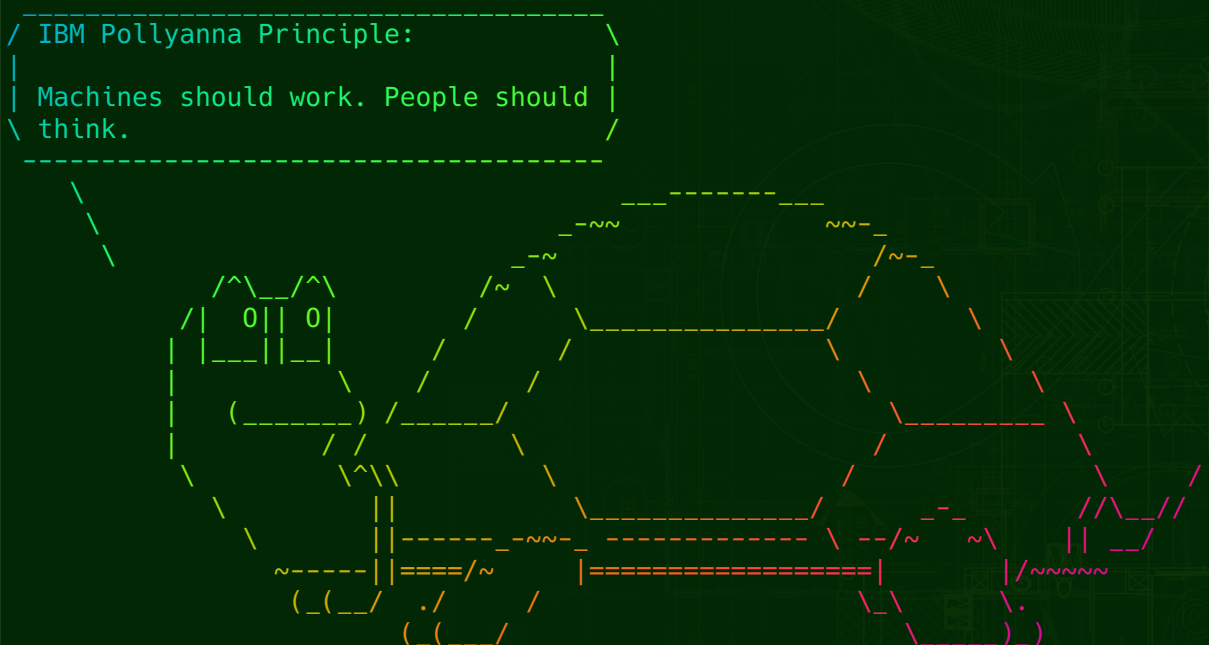
c/linuxmemes · by GravelPieceOfSword@lemmy.ca · 3yListen to lolcat fortune turtle fortune | cowsay -f turtle | lolcat is a fun thing to have in your .bashrc 269 points · 10 comments · view on lemmy.world
10 Comments
jxk@sh.itjust.works · 19 pts · 3y
Just learned about the "lolcat" command and I have to say, the name is genius.
metaStatic@kbin.social · 10 pts · 3y
alias updog='sudo apt update | lolcat && sudo apt upgrade -y | lolcat'edit: throwing it after an SSH login is fucking amazing too
kby@feddit.de · 10 pts · 3y
https://yt.artemislena.eu/watch?v=_IZw2CoYztk
I didn’t know the “Machines should work. People should think.” slogan had a name. I thought it was something they came up for the Paperwork Explosion ad campaign.
cybermass@lemmy.ca · 4 pts · 3y
How do you get the terminal font color gradient? Just got into custom Unix and I need this
GravelPieceOfSword@lemmy.ca · 4 pts · 3y
If you're asking about the colors in the screenshot.. That's from the
lolcatcommand: if you pipe any text into it, you get the color gradient.cybermass@lemmy.ca · 2 pts · 3y
Ah man so there's no way to make all my terminals look like that all the time?
DaTingGoBrrr@lemmy.ml · 1 pts · 3y
Try this https://apple.stackexchange.com/questions/254203/run-lolcat-after-each-command
NGC2346@sh.itjust.works · 1 pts · 3y
watch me make an alias out of this
GravelPieceOfSword@lemmy.ca · 2 pts · 3y
I created a
QSystemTrayIconpython application just to triggerxcowsayto make a cow give me random quotes, we all have our rabbit-holes :')Lammy@lemmy.world · -8 pts · 3y
backhdlp@lemmy.blahaj.zone · 6 pts · 3y
I am people