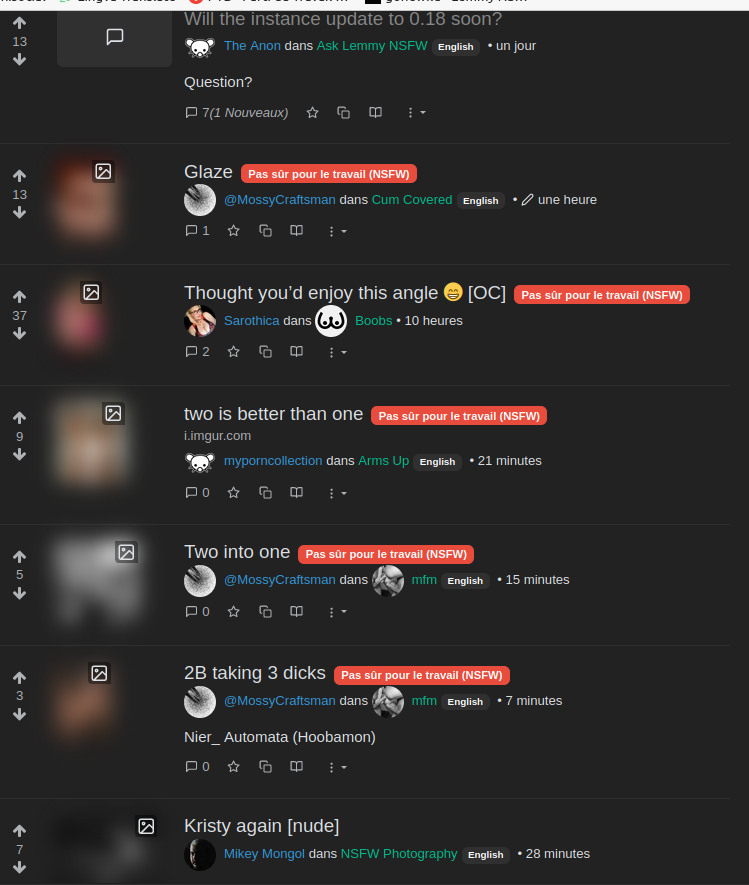
c/asklemmynsfw · by Merlu@lemmynsfw.com · 3yThumbnails are blurred despite my own settings since last upgrade Hello, This blur appeared without reason after upgrade to 0.18, even if my settings are still the same. How to fix that ? 38 points · 14 comments · view on lemmy.world
14 Comments
yay@lemmynsfw.com · 24 pts · 3y
I have to add the patch to the new version for it
pm_me_ur_pussy@lemmynsfw.com · 7 pts · 3y
speaking of, where does one find its source code?
yay@lemmynsfw.com · 9 pts · 3y
git.lemmynsfw.com
if you are asking for lemmy's source code, here it is: https://github.com/LemmyNet/lemmy
pm_me_ur_pussy@lemmynsfw.com · 5 pts · 3y
i was indeed asking about the patch, thanks
BigMcLargeHuge@lemmynsfw.com · 7 pts · 3y
I made a stylish style to disable the relevant CSS:
@-moz-document domain("lemmynsfw.com") { .img-blur { -webkit-filter: blur(0px); } }This is for the Stylish addon for Firefox
Merlu@lemmynsfw.com · 2 pts · 3y
It doesn't work for me.
Unknown @ rule: @-moz-documentBigMcLargeHuge@lemmynsfw.com · 3 pts · 3y
Dumb question but are you using Firefox?
Merlu@lemmynsfw.com · 1 pts · 3y
Yes, and i'm using the addon you mentioned.
BigMcLargeHuge@lemmynsfw.com · 3 pts · 3y
For some reason I can't import the very same style I just exported. Weird. Here's the style as I created it:
Merlu@lemmynsfw.com · 1 pts · 3y
My compliments, it works like a charm.
JollySmyg@lemmynsfw.com · 5 pts · 3y
.img-blur { filter: none; -webkit-filter: none; -moz-filter: none; -o-filter: none; -ms-filter: none; }
fall_greedy@lemmynsfw.com · 4 pts · 3y
CCyan_9@lemmynsfw.com · 2 pts · 3y
Same here. I was confused if there was new options in settings but I guess its just a bug