I like to use the sky texture as its really easy to control Alternatively you could mimic it by adding a 2nd lower brightness sun light, turn the angle to 180° and change the colour to blue. This recreates the ambient light effect of the sky in daylight pretty nicely when paired with a lower angle sun light
Will give it a try.
Strategically placed glossy and metallic materials will help reflect light around your scene to highlight certain details
Hmm, I wish I knew where to place them. I have no idea how to make use of reflecting light
Thanks for the advice, I assume searching up "3-point lighting" is what I need to do to understand what it is about.
think of an object that is casting light onto the humanoid and place it into the scene (a neon sign, light spilling from a rooftop access door, etc) everything would fit together just a bit better.
both to be honest. Its hard to find games I like that also dont have sexualization. I avoid sexualization because of many reasons. Including my belief that its harmful and inappropriate.


It becomes a problem if I harass others for it.
But showing them what I believe in and why I do, shouldnt be a problem.
Bookmarked, will check it out, thanks. 🤍
Thanks for the resource, I will check it out!
But how do I apply it? using an emissive material just makes the lightning seem flat and increases the brightness of the entire scene.
Or did you mean something else?
Okay will do some tweaking, thanks!
Will give it a try.
Hmm, I wish I knew where to place them. I have no idea how to make use of reflecting light
Anyway, thank you!
Practice and good sleep makes perfect.
Ugh, I hate references but its the only way I will learn how to even do lighting.
HDRIs seem like a good base, but I still need to have some light source to hide/show foreground/background.
As for using real world scales, how do I even manage to do that? and why is it important. Also, how will I know how strong in watt light sources are?
I am using cycles, eevee is fast, but needs a proper setup
Either way, Thank you for the advice.
Thanks for the advice, I assume searching up "3-point lighting" is what I need to do to understand what it is about.
Sure thing
Thank you, again!
Its fine?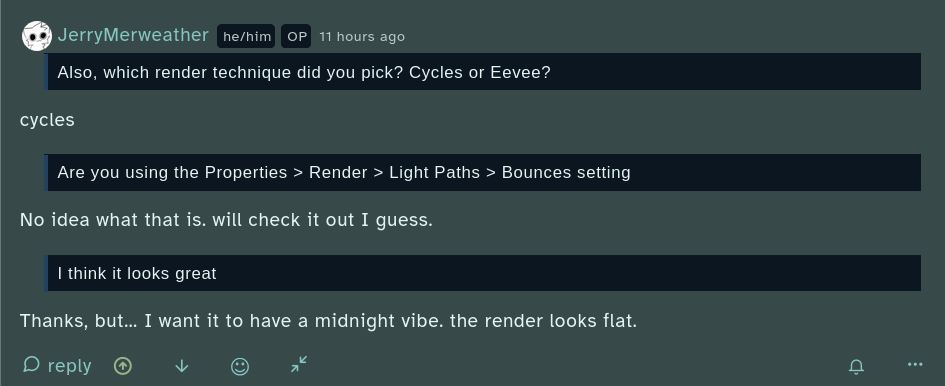 will add line breaks anyway
I didnt watch it, but thank you!
cycles
No idea what that is. will check it out I guess.
Thanks, but... I want it to have a midnight vibe. the render looks flat.
Its 5 minutes, But In a very basic summary,
How to 'Get Any Research Paper':
Of course, but I am annoyed that they are doing it. It is wrong, at least for me, and so knowing that this keeps, and will keep happening doesnt help.
both to be honest. Its hard to find games I like that also dont have sexualization. I avoid sexualization because of many reasons. Including my belief that its harmful and inappropriate.
Yeah my bad, too low of a sample to judge. Really sorry. I watched one season, about 20 episodes, each episode is like 20 minutes.
Oh I get it now. 👍️
I am struggling to accept what you just said, but it does make sense.
If it was frown upon, then such dirty designs wouldnt have existed.
Its unfortunate that because I refuse to accept this pornification, I have become in the "minority"
Of course, but this practice is common, making it hard to just seek out porn-free games