Same! Well, about the mouse. I am definitely a vi (and all its variants) user.
However, for transferring text between windows, the mouse is probably the best option. It's not necessarily needed for highlighting, but definitely beneficial. If you don't like ctrl+shift+v or middle click, shift+insert often works?
One of the things I always setup is a pbpaste & pbcopy function to mirror Marcos's. I know that's not what the meme is about but pbpaste > /tmp/filename.json is too handy
It's weird to have grown up with things like bbc micro and MS-DOS and see how alien the terminal is to people who didn't.
Back then CLIs were all over, even like library catalog terminals, were CLI. TBF some still had card indexes though.
At university everyone had to ssh in to the email server from whatever tty client even on windows (nt4/nt5/98/2k/mackintosh PCs).
You definitely didn't feel like any hacker. The hacker level thing was to successfully connect via GUI mail client and actually have your emails update and sync properly - very few bothered.
I vaguely remember using putty on port 22 which i thought was ssh, but maybe it was telnet.
we were leaving the 90s by then, so I think ssh was around.
Might also have been different protocol on the uni LAN vs WAN connections.
The libraries I remember might have been direct terminals to local server.
Few catalogs were available even on the uni-wide LAN.
No big deal really since you're going to have to go there to find the book anyway.
The catalog room was an acceptable place to have a chat or lament the size of the reading list.
Msdos on my family's Commodore taught me my foundation of computer literacy. Then Q-Crack and editing the Duke Nukem 3D config file and sharing it with a friend so we could play over the modem together expanded my understanding and confidence. Linux paired with google searches/forums just seemed like a natural progression to me.
Fair enough, I guess my overall point was more that we've all at some point taken that first step of doing something that now feels mundane, but at the time felt like we were doing something very advanced.
Until your shit got all fucked up because you added a third party repository. And then you have to manually remove lock files and fix the pkg database and mess with .conf files and manually uninstall specific versions of dependent packages, and then manually re-enable some remote repo.
Then you actually kind of do feel like a hacker.
Until you’ve done it like 10 different times, then you are just annoyed. Still a better love story than Twilight.
$ sudo apt update
-bash: sudo: command not found
$
Your distro doesn't set up/install sudo by default, so your first task is installing sudo, then understanding /etc/sudoers syntax and understanding why the command to atomically replace /etc/sudoers is visudo and why on a multiuser system there's value to atomic replacement. In the meantime, you probably learn about su and maybe, if your distro has disabled them, how to enable switching to the kernel virtual consoles on tty1 through tty7 so that in the meantime, you can do things as root while staying logged in. Also, you're going to learn about environment variables, so as to set EDITOR, and where your shell config files live, what a login shell is, and in what shells ~/.bash_profile, ~/.profile, and ~/.bashrc run. Also, you first try running visudo as a regular user, but your distro places visudo in /usr/sbin instead of /usr/bin, so you can't figure out why it's not installed and are going to learn about the FHS and mlocate and updatedb so that you can find /usr/sbin/visudo and dpkg -S so that you can figure out which package it's in and confirm that it's actually installed and learn about PATH.
This fucking idiot here changed their debian branch to sid then wondered why the software store didnt work. Luckly I always backup config files. I mean, it's not that complicated to change some lines back, but still.
Also it's a vbox vm so I could always restore a snapshot. And it exists to tweak so it was meant to be.
sudo !! Is nice but I mostly use the up arrow to repeat something long and complicated I did 10 minutes ago. The joke there is sometimes that takes too long too. So that's where history | grep 'keyword' is nice
If it's bash, it's using readline, which is in emacs-like mode by default, and so you can probably use Control-R to do a reverse i-search (incremental search). Enter to invoke the command. Control-C to abort i-search.
If a search matches multiple candidates, tap Control-R multiple times to cycle back through results.
EDIT: Also, ! has a built-in search, so if you are sure of the starting string, you can just do that. I generally prefer to use the interactive search to confirm that I'm not invoking something wonky.
LOL, I was at my sons track meet. Opened my laptop to play a game. Decrypted NixOS, and was waiting for it to splarg pre-ui the kids in the tent said... ARE YOU HACKING!!!!!

80 Comments
jakemehoff11@sh.itjust.works · 126 pts · 88d
Bonus points for using the mouse to copy/paste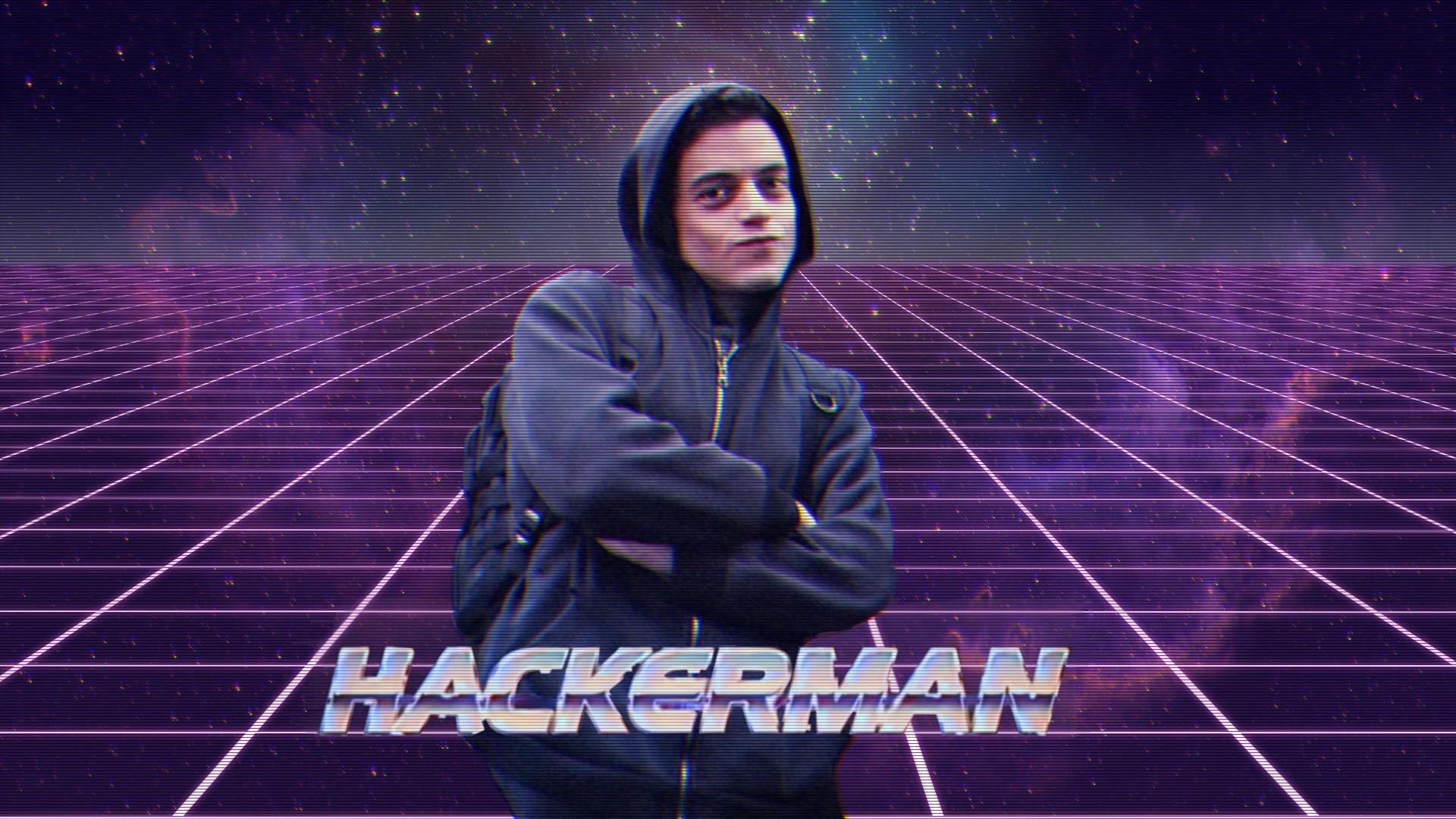
queerlilhayseed@piefed.blahaj.zone · 70 pts · 88d
Only way to do it. everyone knows ctrl-c angers the terminal daemons.
NotSteve_@lemmy.ca · 63 pts · 88d
CTRL+shift+[c/v], my beloved
albbi@piefed.ca · 27 pts · 88d
Such an annoying kludge to make a common operation work.
queerlilhayseed@piefed.blahaj.zone · 44 pts · 88d
My hot take: cross-application or system-wide shortcuts like copy/paste should all be controlled with the Super/Meta key. Looking hard at you,
alt-F4.App developers, you get your pick of Shift, Ctrl, and Alt modifiers. Super/Meta is for the OS only.
brisk@aussie.zone · 21 pts · 88d
Super is for my window manager.
Which I guess is kind of where copy paste live so I'm on board, barring semantic nitpicks
Mountainaire@lemmy.world · 1 pts · 87d
Alt+F4 is for p|_|ssies. Alt+Space, X is the ergonomic way to go.
Anarki_@lemmy.blahaj.zone · 1 pts · 86d
The word you're looking for is "pussies".
SpaceNoodle@lemmy.world · 18 pts · 88d
Personally, I think it was quite rude of all of those applications to make the standard "break" command mean "copy."
DmMacniel@feddit.org · 13 pts · 88d
Control commands are older than the shortcuts for cut copy paste though.
albbi@piefed.ca · 3 pts · 87d
I got pretty used to CTRL-INS and Shift-INS for copy and paste. I don't know if those even still work though.
DmMacniel@feddit.org · 1 pts · 87d
yes, yes they do :)
NotSteve_@lemmy.ca · 10 pts · 88d
I guess I'm so used to it at this point that I just add the shift automatically and don't really consider it annoying
That describes nearly everything in software, doesn't it😅
toynbee@piefed.social · 5 pts · 88d
See, I prefer middle click.
albbi@piefed.ca · 1 pts · 87d
I prefer to keep my hand away from my mouse if possible. And I'm not even a vim user!
toynbee@piefed.social · 2 pts · 87d
Same! Well, about the mouse. I am definitely a
vi(and all its variants) user.However, for transferring text between windows, the mouse is probably the best option. It's not necessarily needed for highlighting, but definitely beneficial. If you don't like ctrl+shift+v or middle click, shift+insert often works?
tdawg@lemmy.world · 2 pts · 88d
One of the things I always setup is a pbpaste & pbcopy function to mirror Marcos's. I know that's not what the meme is about but
pbpaste > /tmp/filename.jsonis too handyDamage@feddit.it · 1 pts · 88d
Shift+ins
albbi@piefed.ca · 2 pts · 87d
My man! 🤜 🤛
DigDoug@lemmy.world · 10 pts · 88d
The true LinuxMan uses middle-mouse click to paste.
DmMacniel@feddit.org · 5 pts · 88d
A truetrue LinuxUser uses the alternative clipboard instead.
Rubanski@discuss.tchncs.de · 1 pts · 86d
The what now?
DmMacniel@feddit.org · 1 pts · 86d
You know Ctrl+z/x/c right? Now check shift+insert, shift+delete, Ctrl+insert.
Rubanski@discuss.tchncs.de · 1 pts · 86d
Uhh interesting!
Echolynx@lemmy.zip · 1 pts · 87d
What season is that still from? I can't remember if I've seen it or not but I only saw about 3 seasons.
slazer2au@lemmy.world · 45 pts · 88d
an hacker?
thefactremains@lemmy.world · 32 pts · 88d
Yes. It's french
queerlilhayseed@piefed.blahaj.zone · 4 pts · 88d
In Quebec they call hackers "dame blanche agaçante"
palordrolap@fedia.io · 19 pts · 88d
Trolling is a art.
jaybone@lemmy.zip · 5 pts · 88d
an art?
degenerate_neutron_matter@fedia.io · 16 pts · 88d
slazer2au@lemmy.world · 12 pts · 88d
Mountainaire@lemmy.world · 2 pts · 87d
Source?
slazer2au@lemmy.world · 1 pts · 87d
Duck duck go images???
Mountainaire@lemmy.world · 3 pts · 87d
Oh, I wasn't sure if that character was from some media.
slazer2au@lemmy.world · 4 pts · 87d
Have you not seen the 1996 masterpiece, Mars Attacks?
https://www.imdb.com/title/tt0116996/
Mountainaire@lemmy.world · 2 pts · 86d
Oh. Nope, though I now see how it may have put Pierce Brosnan on the radar...
Lisk91@sh.itjust.works · 3 pts · 88d
🩹
slazer2au@lemmy.world · 1 pts · 87d
:)
thebestaquaman@lemmy.world · 39 pts · 88d
Let's be reasonable: We were all at some point at the stage where doing anything at all in the terminal made us feel like a god.
bryndos@fedia.io · 19 pts · 88d
It's weird to have grown up with things like bbc micro and MS-DOS and see how alien the terminal is to people who didn't.
Back then CLIs were all over, even like library catalog terminals, were CLI. TBF some still had card indexes though.
At university everyone had to ssh in to the email server from whatever tty client even on windows (nt4/nt5/98/2k/mackintosh PCs).
You definitely didn't feel like any hacker. The hacker level thing was to successfully connect via GUI mail client and actually have your emails update and sync properly - very few bothered.
jaybone@lemmy.zip · 4 pts · 88d
Do you mean telnet?
bryndos@fedia.io · 5 pts · 88d
Very possibly.
I vaguely remember using putty on port 22 which i thought was ssh, but maybe it was telnet. we were leaving the 90s by then, so I think ssh was around. Might also have been different protocol on the uni LAN vs WAN connections.
The libraries I remember might have been direct terminals to local server. Few catalogs were available even on the uni-wide LAN. No big deal really since you're going to have to go there to find the book anyway.
The catalog room was an acceptable place to have a chat or lament the size of the reading list.
tdawg@lemmy.world · 4 pts · 88d
Don't forget using cmatrix as a sudo-screensaver
tal@lemmy.today · 3 pts · 88d
Some of us were at the point where GUIs weren't a thing and the terminal was the only option.
FudgyMcTubbs@lemmy.world · 1 pts · 86d
Msdos on my family's Commodore taught me my foundation of computer literacy. Then Q-Crack and editing the Duke Nukem 3D config file and sharing it with a friend so we could play over the modem together expanded my understanding and confidence. Linux paired with google searches/forums just seemed like a natural progression to me.
thebestaquaman@lemmy.world · 1 pts · 88d
Fair enough, I guess my overall point was more that we've all at some point taken that first step of doing something that now feels mundane, but at the time felt like we were doing something very advanced.
gurty@lemmy.world · 35 pts · 88d
Watches update run in terminal and nods sagely as if understanding it all
jaybone@lemmy.zip · 29 pts · 88d
Until your shit got all fucked up because you added a third party repository. And then you have to manually remove lock files and fix the pkg database and mess with .conf files and manually uninstall specific versions of dependent packages, and then manually re-enable some remote repo.
Then you actually kind of do feel like a hacker.
Until you’ve done it like 10 different times, then you are just annoyed. Still a better love story than Twilight.
tal@lemmy.today · 6 pts · 88d
You copy paste the command.
Your distro doesn't set up/install
sudoby default, so your first task is installingsudo, then understanding /etc/sudoers syntax and understanding why the command to atomically replace /etc/sudoers isvisudoand why on a multiuser system there's value to atomic replacement. In the meantime, you probably learn aboutsuand maybe, if your distro has disabled them, how to enable switching to the kernel virtual consoles on tty1 through tty7 so that in the meantime, you can do things as root while staying logged in. Also, you're going to learn about environment variables, so as to set EDITOR, and where your shell config files live, what a login shell is, and in what shells ~/.bash_profile, ~/.profile, and ~/.bashrc run. Also, you first try running visudo as a regular user, but your distro placesvisudoin /usr/sbin instead of /usr/bin, so you can't figure out why it's not installed and are going to learn about the FHS and mlocate andupdatedbso that you can find /usr/sbin/visudo anddpkg -Sso that you can figure out which package it's in and confirm that it's actually installed and learn about PATH.Mountainaire@lemmy.world · 2 pts · 87d
*newbie tries to comprehend**head explodes*corsicanguppy@lemmy.ca · 3 pts · 88d
Dependency hell is always, always, self-inflicted.
aptis only SLSA1 or 2 anyway, so there's a lot more wiggle room.conartistpanda@lemmy.world · 2 pts · 88d
This fucking idiot here changed their debian branch to sid then wondered why the software store didnt work. Luckly I always backup config files. I mean, it's not that complicated to change some lines back, but still.
Also it's a vbox vm so I could always restore a snapshot. And it exists to tweak so it was meant to be.
daggermoon@piefed.world · 14 pts · 88d
We all have to start somewhere. I remember when that was me.
Riverside@reddthat.com · 5 pts · 88d
hanrahan@slrpnk.net · 3 pts · 88d
amen to that LMDE and use the GUI here
Riverside@reddthat.com · 1 pts · 88d
Adulated_Aspersion@lemmy.world · 11 pts · 88d
Even better the SECOND time you do it with the up arrow.
You know. Just your standard Hacker, hackin'.
tal@lemmy.today · 5 pts · 88d
It keeps its handses on the home row.
tdawg@lemmy.world · 4 pts · 88d
sudo !!Is nice but I mostly use the up arrow to repeat something long and complicated I did 10 minutes ago. The joke there is sometimes that takes too long too. So that's wherehistory | grep 'keyword'is nicequeerlilhayseed@piefed.blahaj.zone · 6 pts · 88d
You may enjoy
ctrl + r. It hasn't completely replaced grepping history for me but it's close.Deebster@infosec.pub · 4 pts · 88d
If you trigger fzf with ctrl-r then you might never need to grep again.
tal@lemmy.today · 3 pts · 88d
If it's bash, it's using readline, which is in emacs-like mode by default, and so you can probably use Control-R to do a reverse i-search (incremental search). Enter to invoke the command. Control-C to abort i-search.
If a search matches multiple candidates, tap Control-R multiple times to cycle back through results.
EDIT: Also,
!has a built-in search, so if you are sure of the starting string, you can just do that. I generally prefer to use the interactive search to confirm that I'm not invoking something wonky.pinball_wizard@lemmy.zip · 1 pts · 88d
Never again, lol.
Last time I did that, it was not what I remembered. I didn't break anything, but it was close enough that I scared the shit out of myself.
normalentrance@lemmy.zip · 9 pts · 88d
Start btop in another full screen terminal, and then run apt update. Then you're fully in the matrix.
tal@lemmy.today · 5 pts · 88d
You don't need to unset TMUX if you aren't already using and inside tmux, but including in case someone is.
juipeltje@lemmy.world · 6 pts · 88d
Me when i fork dwl just to add a few patches that i did not create myself, just so i can make my own package for it.
"You know, i'm something of a developer myself."
TheEighthDoctor@lemmy.zip · 6 pts · 88d
$ hollywoodbluey@lemmy.world · 6 pts · 88d
good way to compromise your system
https://www.makeuseof.com/why-you-shouldnt-copy-paste-commands-from-internet/
M33@piefed.world · 3 pts · 87d
Bitch please: curl install.sh | bash -
Echolynx@lemmy.zip · 3 pts · 87d
Wait until you get on the
sudo apt upgrade -U -ytrainBluescluestoothpaste@sh.itjust.works · 3 pts · 87d
When i tell claude to change the filenames from spelled out dates to hyphenated dates XD
alice_gosta_de_doces@lemmy.blahaj.zone · 2 pts · 87d
while using kali linux
Avicenna@programming.dev · 2 pts · 87d
imagine how you would feel if you alias that to update, mind blown
mazzilius_marsti@lemmy.world · 2 pts · 87d
sudo apt update either has little outputs (so nothing to show off), or it crashes because of library conflict
For me it was:
pacstrap -K /mnt blah blahto see literally everything comesin your system getting installed , followed byarch-chroot /mntOh btw, I used Arch.
rumba@lemmy.zip · 1 pts · 87d
LOL, I was at my sons track meet. Opened my laptop to play a game. Decrypted NixOS, and was waiting for it to splarg pre-ui the kids in the tent said... ARE YOU HACKING!!!!!
MidsizedSedan@lemmy.world · 1 pts · 87d
Are you SURE that is the first command new users type? I remember adding neofetch to my .bashrc (infact, I might don't again)
ekZepp@lemmy.world · 1 pts · 87d
yay -Syu
tal@lemmy.today · 1 pts · 88d
FuglyDuck@lemmy.world · 0 pts · 88d
Hey boys. getta load of this guy. he doesn't use arch.